How to Choose the Right
Home Security System
Choosing the right home security system is one of the most important decisions you can make as a US homeowner — yet most people don't know where to start.
A home break-in in the United States still happens roughly every 51 seconds
(source),
with over 779,542 burglaries reported in 2024 alone
(source).
At the same time, recent FBI data shows that property crime declined by 8.1% in 2024 (source), continuing a downward trend. So what does this actually mean?
Even though crime is decreasing overall, millions of homes are still targeted every year — especially those without proper protection. If you're thinking about securing your home, you're not overreacting. You're being proactive.
This guide will help you:
Who This Guide Is For:
Table of Contents
What Is a Home Security System?
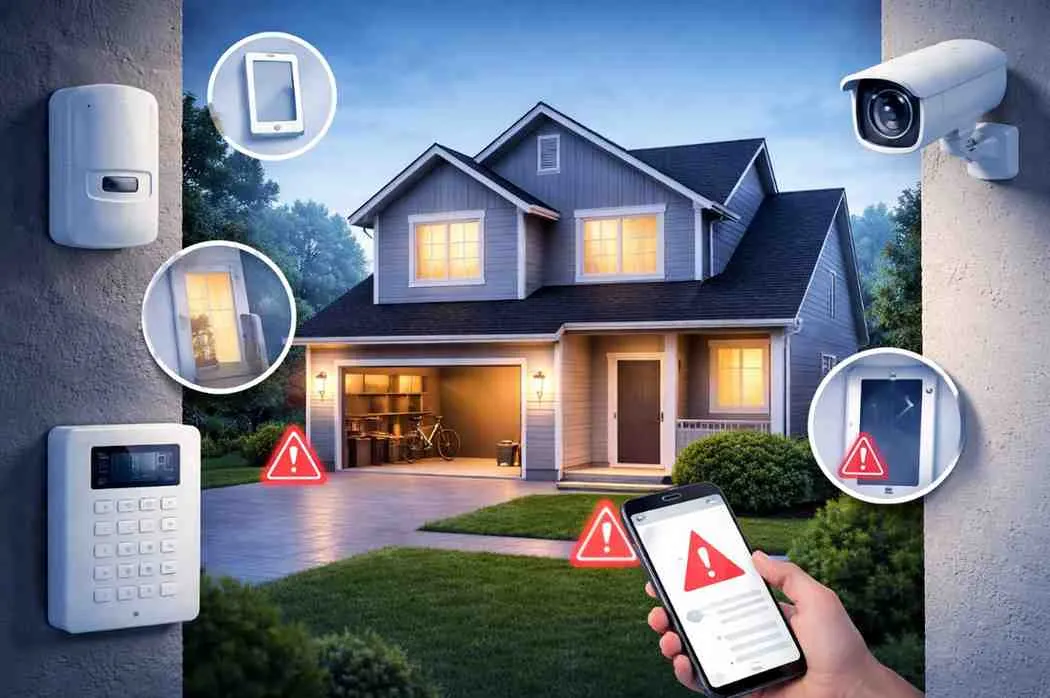
A home security system is a combination of hardware and software devices that work together to detect threats, alert you in real time, and in many cases, trigger a response — from a loud alarm to dispatching emergency services.
Unlike a single camera or a basic doorbell, a properly set up system creates a layered defense around your home. Think of it as multiple checkpoints, not just one lock.
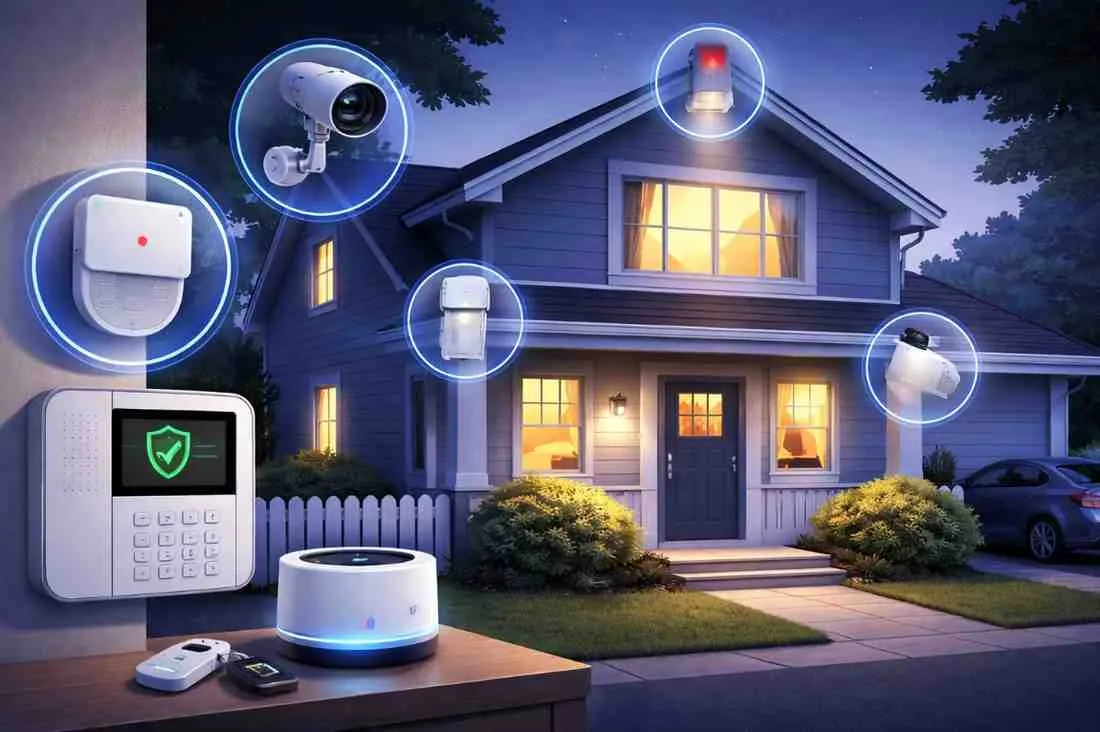
Core Components of a Home Security System:
How Home Security Systems Work
Here is what happens in a real scenario when your system detects a threat:
Motion or entry
is detected by a sensor
The alarm panel is triggered immediately
You receive an instant alert on your phone
If monitoring is enabled, the 24/7 monitoring center is notified
Authorities are dispatched if confirmed or if you are unavailable
Key Insight: Security systems don't just detect crime after it happens — they actively reduce your risk of being targeted in the first place. Visible cameras and alarm signage alone are proven deterrents.
Types of Home Security Systems
(US Market)
There are three main types of home security systems available to US homeowners. Understanding the difference will help you make the right decision for your home and lifestyle.
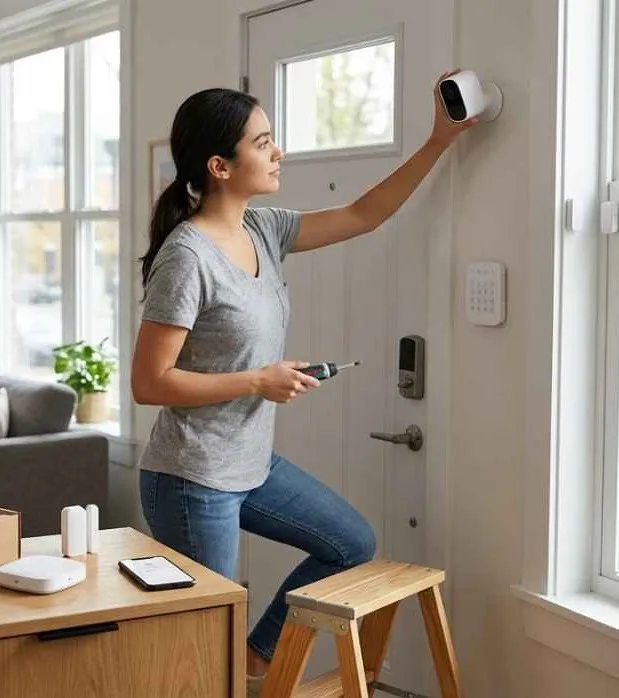
DIY Security Systems
DIY systems are purchased off the shelf (or online) and installed by the homeowner without professional help. These are attractive for their lower upfront cost and flexibility.
- No installation fees
- Portable — take it with you when you move
- Works well for apartments or small spaces
- Limited technical support if something goes wrong
- Placement may not be optimized for your home layout
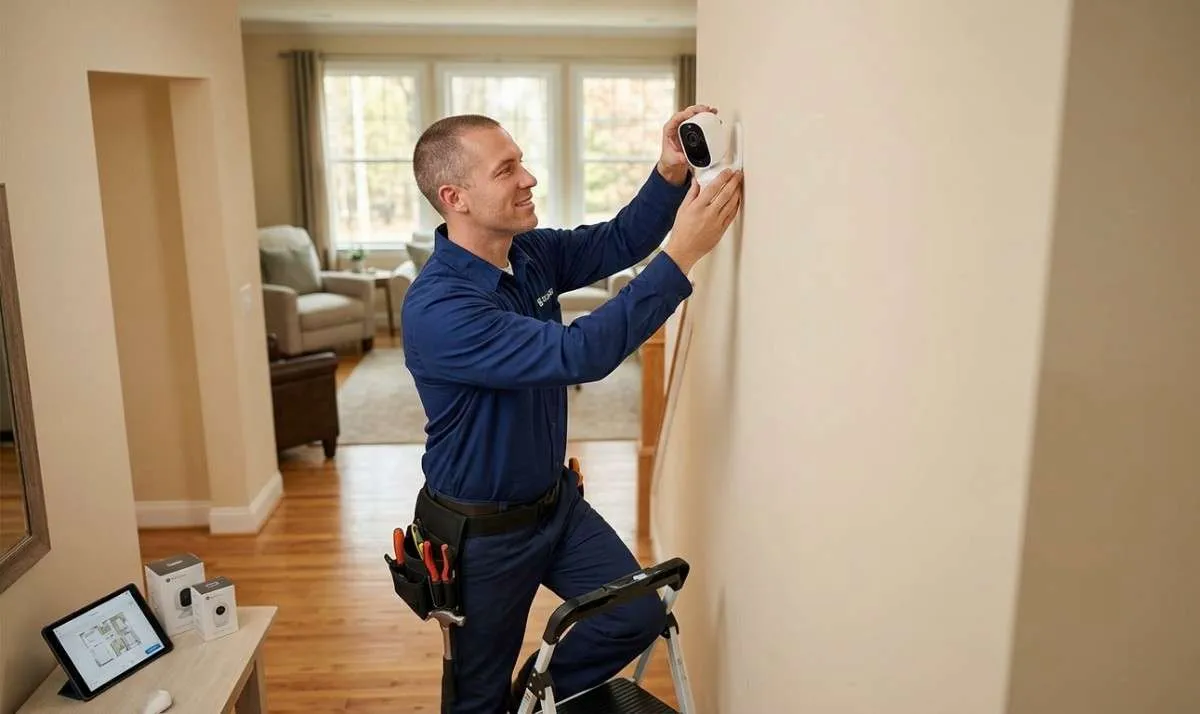
Professionally Installed Security Systems
With a professionally installed system, a trained technician visits your home, assesses your layout, and installs and calibrates every device in the optimal location. This significantly improves coverage and reduces blind spots.
- Expert placement ensures maximum coverage
- Full technical support and maintenance
- Integrated with 24/7 professional monitoring
- Higher initial cost — but better long-term protection
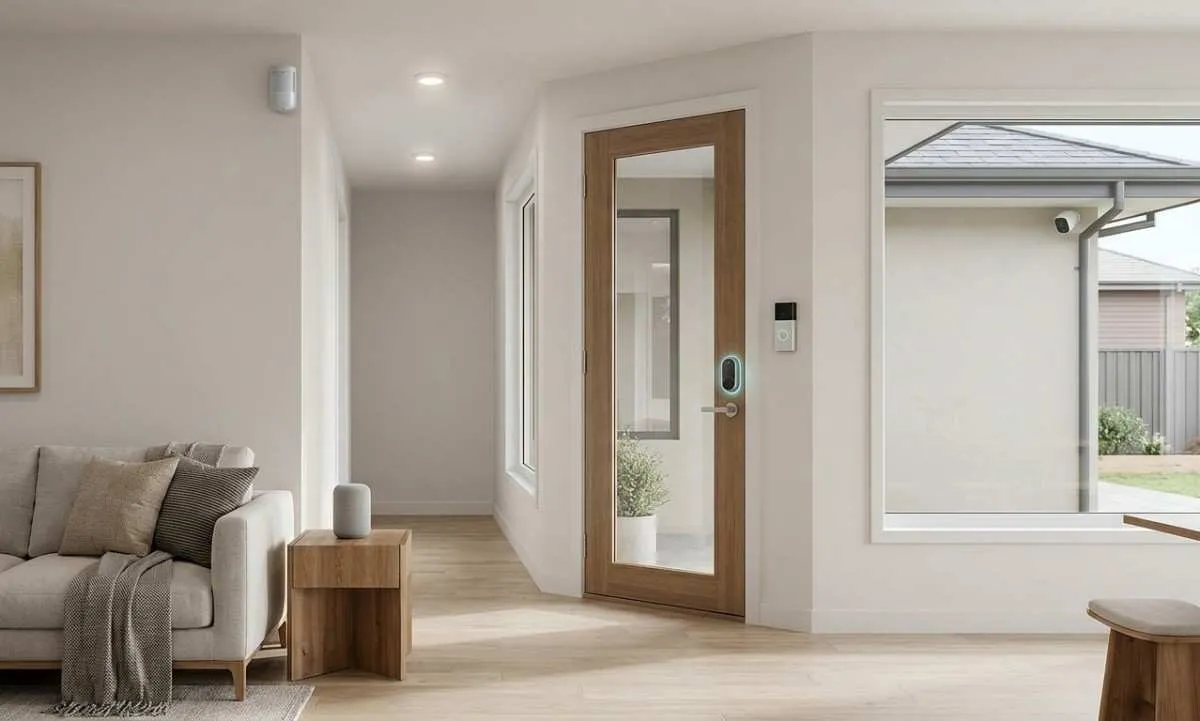
Smart Home Security Systems
Smart home security integrates your security devices with your broader smart home setup — lights, locks, doorbells, and thermostats all communicate through one app.
- Control everything from your smartphone
- Automated routines (e.g., lights turn on when motion is detected)
- Compatible with Alexa, Google Home, and Z-Wave / Zigbee
- Most popular and fastest-growing category in the US market
DIY vs Professional Security Systems:
Which Is Right for You?
This is the most common question we get. Here is an honest side-by-side comparison:
| Feature | DIY | Professional |
|---|---|---|
| Setup | Self-install | Expert installation |
| Monitoring | Optional (extra cost) | Included & managed |
| Reliability | Medium | High |
| Placement Optimization | DIY guess-work | Expert placement |
| 24/7 Support | Limited / none | Full support included |
| Best For | Small apartments, tech-savvy users | Homeowners & families |
DIY systems work well for simple setups, but if your goal is maximum protection — especially for a family home — professionally installed systems consistently outperform DIY in coverage, response times, and reliability.
While crime trends in the US are improving overall, homes without optimized security remain the most vulnerable targets, particularly during daytime hours when properties are empty.
Not sure which system is right for your home?
Get a free, personalized security assessment — tailored to your home size, layout, and budget.
Call Now for Your Free ConsultationHow Much Does a Home Security System Cost in the US?
Cost is often the biggest concern for US homeowners. Here is a realistic breakdown of what you can expect to pay in 2026:
Equipment Costs
$200 – $2,500+
Installation Costs
$0 – $500
Monthly Monitoring Costs
$20 – $60/mo
Important Note on Cost:
Cheaper systems often mean poor sensor coverage, no monitoring, and delayed response. Home security is one area where cutting cost can directly increase your risk. The right system for your home doesn't have to break the budget — but it does need to be properly planned.
Want an exact cost for your home?
Tell us your home type and size — we'll give you a custom quote in minutes.
Request Your Free Quote NowWhat Devices Do You Actually Need?
The devices you need depend entirely on your home size, layout, and how many entry points you have. Here is a practical breakdown:
Minimum Setup
Small Apartment or Studio- 1 control panel / alarm hub
- 2–3 door and window sensors
- 1 motion sensor (living area)
- Basic mobile app monitoring
Recommended Setup
3-Bedroom House- 1 control panel
- 4–5 door and window sensors
- 2–3 motion sensors
- 2 outdoor cameras
- Smart lock on main entry
- Professional monitoring
Full Coverage
Large Home, 4BR+- Multiple motion sensors
- 4+ cameras (indoor/outdoor)
- Glass break sensors
- Smart locks on all doors
- Video doorbell
- Full Pro monitoring w/ cellular
Where Should You Place Motion Sensors?
Placement is everything. A motion sensor in the wrong location either misses threats or triggers false alarms. Here are the locations that provide the best coverage in most US homes:
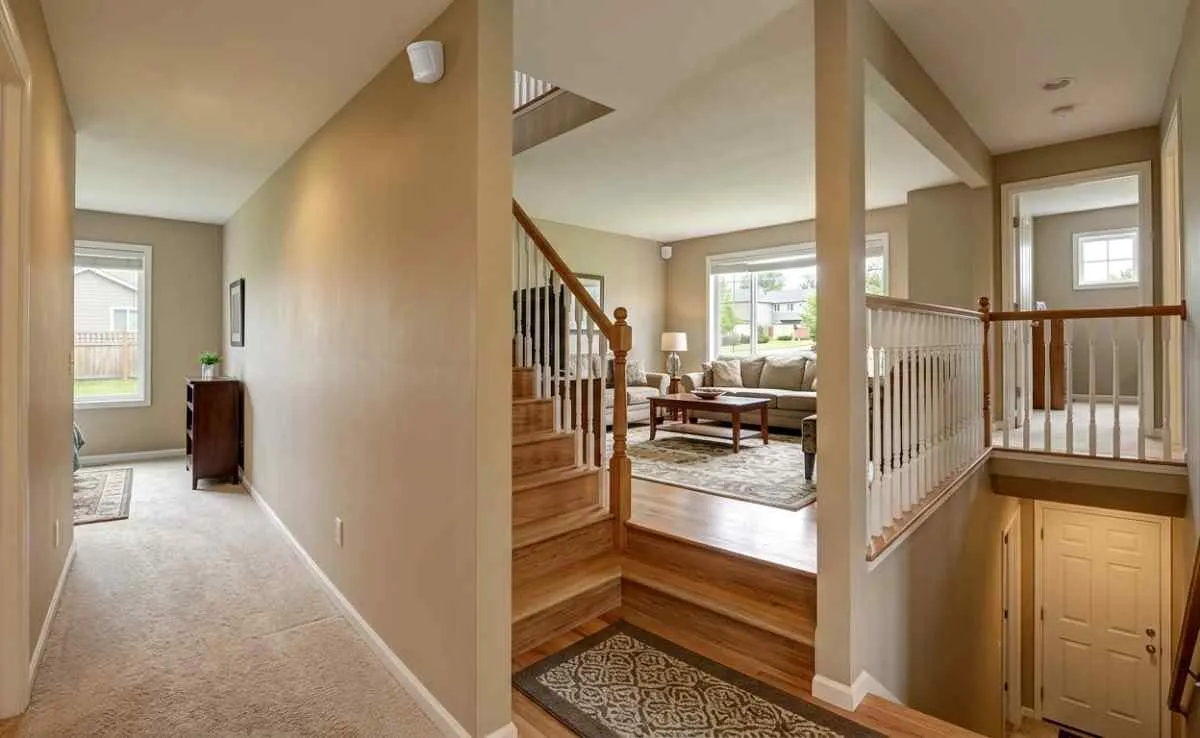
Pro tip: Place motion sensors in corners at a height of 6–7 feet for the widest detection angle. Avoid placing them near air vents or windows — heat movement can trigger false alerts.
Is Professional Monitoring Worth It?
Security needs differ significantly between apartments and standalone homes. Here is what matters for each:
Apartments
- Focus on entry points — front door and any ground-floor windows are your priority
- Check lease restrictions before drilling or permanently mounting devices
- Wireless and renter-friendly systems work best (no wiring, no damage)
- A video doorbell and door sensor are typically sufficient as a starting point
Houses
- Multi-layer protection is essential — outdoor cameras, indoor sensors, and alarm monitoring
- Outdoor perimeter coverage (front, back, side entries)
- Garage and basement entry points are often missed
- Smart locks on all external doors recommended
- Professional installation ensures no blind spots
Every home needs a different setup — don't guess yours.
Speak with a Brocus security expert and get a custom plan for your specific home in minutes.
Call NowApartment vs House Security: What Changes?
Short answer: Yes — for most US homeowners, professional monitoring is absolutely worth it. Here is why: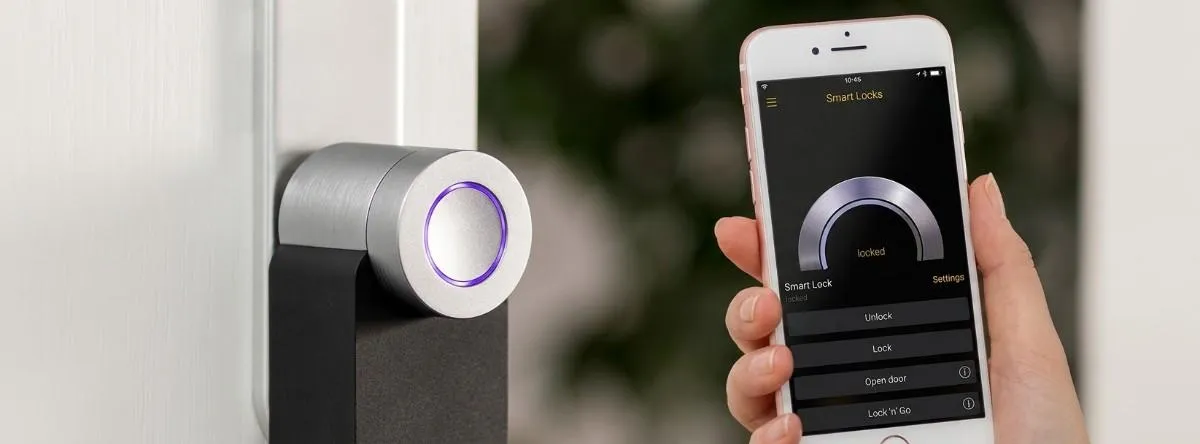
What Professional Monitoring Actually Does
- A trained agent watches your alarm 24/7 — even when you're asleep, traveling, or unavailable
- If your alarm triggers, they call you immediately to verify
- If you're unreachable or the threat is confirmed, they dispatch police or fire services
- Many plans include backup cellular so the system works even if your WiFi goes down
- Some plans include medical alert and carbon monoxide monitoring
When Professional Monitoring Is Especially Important
- You travel frequently and your home is empty for days at a time
- You have family members at home — children, elderly parents — who may not respond quickly to an alert
- You live in an area with longer police response times
- You simply want peace of mind without checking your phone constantly
The cost of professional monitoring — typically $20–$60/month — is a fraction of what a single break-in costs in repairs, replacement, and stress. For most homeowners, it is not a luxury. It is a practical necessity.
Common Mistakes to Avoid
After consulting with hundreds of US homeowners, these are the most common mistakes we see — and they are all avoidable:
Recommended Setup Based on Home Size
Use this as a starting reference point. Your actual needs may vary based on your home's layout, number of floors, and entry points.
Small Apartment
Recommended Devices- 2 door sensors
- 1 motion sensor
- basic alarm
Monitoring Self-monitor or basic plan
Medium Home (3BR)
Recommended Devices- 3-4 door sensors
- 4–5 window sensors
- 2 motion
- 2 cameras
Monitoring Professional monitoring recommended
Large Home (4BR+)
Recommended Devices- 5+ sensors
- 4+ cameras
- glass break & smart locks
Monitoring Professional monitoring essential
When Should You Talk to a Security Expert?
If you're unsure about any of the following, a free consultation with a security advisor will save you time, money, and guesswork:
Don't wait until something happens.
With a burglary occurring every minute across the US, protecting your home now can make all the difference.
Get Your Free Security AssessmentAbout Brocus Home Security
Brocus Home Security is a US-based home security advisory service that helps homeowners choose the right security setup — without the sales pressure. Our experts provide free, no-obligation consultations tailored to your home type, size, and budget.
Frequently Asked Questions
Conclusion
Choosing the right home security system is not about buying the most expensive devices — it is about making smart, planned decisions that match your home, your lifestyle, and your budget.
Whether you are securing a studio apartment or a large family home, the right setup starts with understanding what you actually need — not just what looks good in an ad.
If you would like expert guidance without the sales pressure, Brocus Home Security offers free, no-obligation consultations for US homeowners. We help you choose the right system — not sell you one.
Ready to protect your home the right way?
Speak with a US-based security expert today — free, tailored to your home, no obligation.
Get Your Free Home Security Consultation Now