Latest Smart Home Security Blogs
Security Insights, expert advice, buying guides, and placement strategies to help you protect your home intelligently.
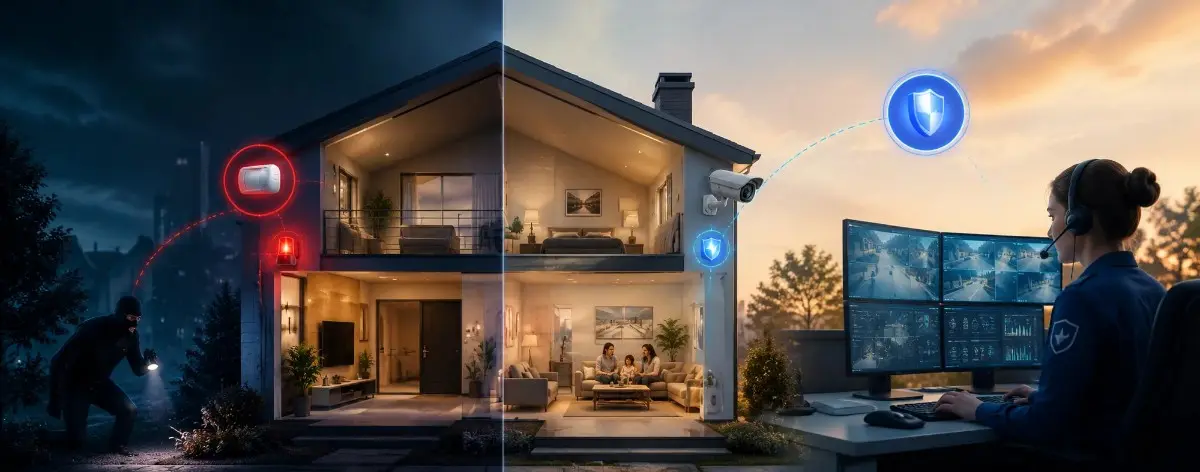
Is Professional Monitoring Worth It? A Homeowner's Honest Guide (2026)
Professional home security monitoring costs $20 to $60 per month. For most US homeowners, that is between $240 and $720 per year, year after year. Whether that money is well spent depends entirely on your home, your lifestyle, and what you actually want the monitoring to do. Most guides answer this question vaguely. This one does not. We look at real scenarios, real response time data, and the actual insurance math so you can make a concrete decision for your specific situation.
Latest Articles
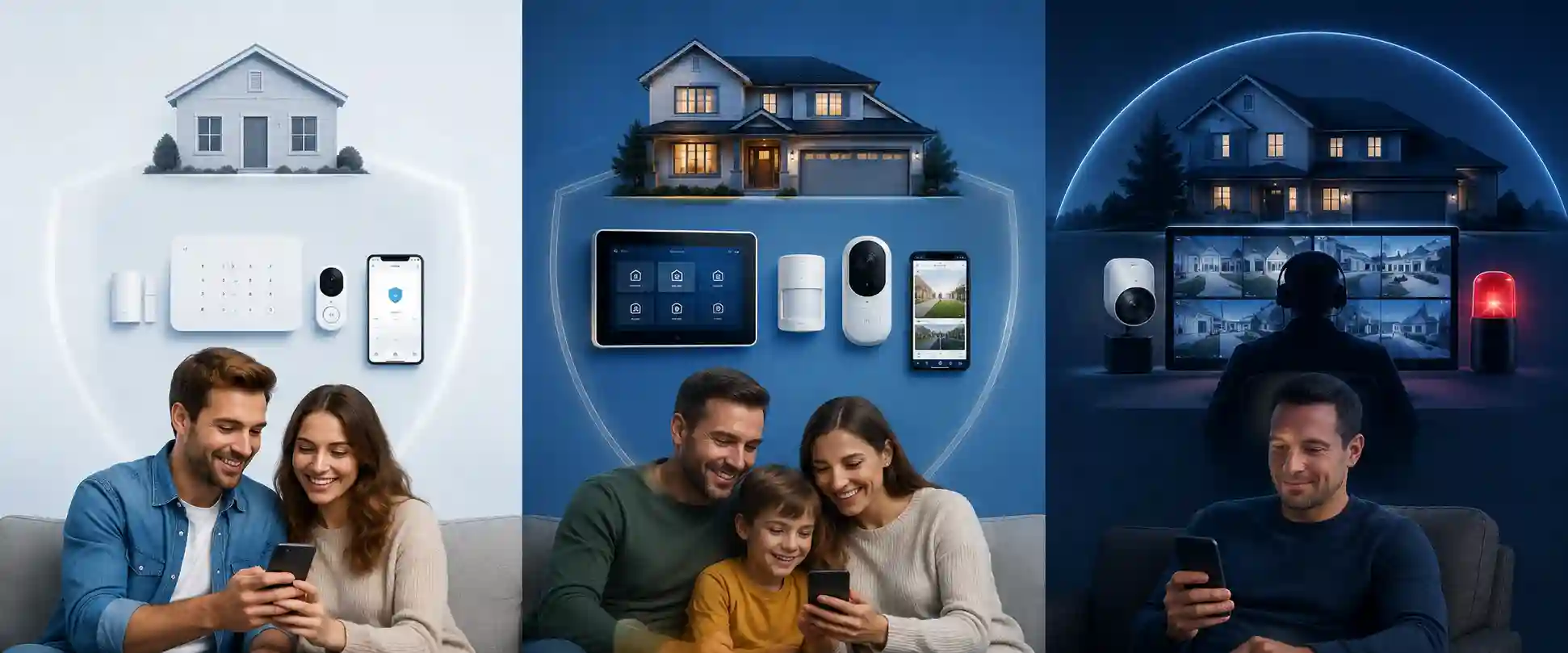
Hidden Costs of Home Security Systems: What Nobody Tells You (2026)
The advertised price of a home security system is almost never the price you actually pay. Most US homeowners find out about the real cost only after they have signed a contract, installed the system, or tried to cancel a service they no longer need. This guide exposes every significant hidden cost in home security systems in 2026. Not to scare you away from getting a security system. To help you go in with your eyes open, ask the right questions before signing anything, and choose a setup that does not come with financial surprises. All pricing in this guide is sourced from publicly available third-party reviews as of April 2026. Prices are subject to change. Brocus Home Security is an independent advisory service with no commercial relationship with any brand mentioned. Always confirm current terms directly with the provider before purchasing.
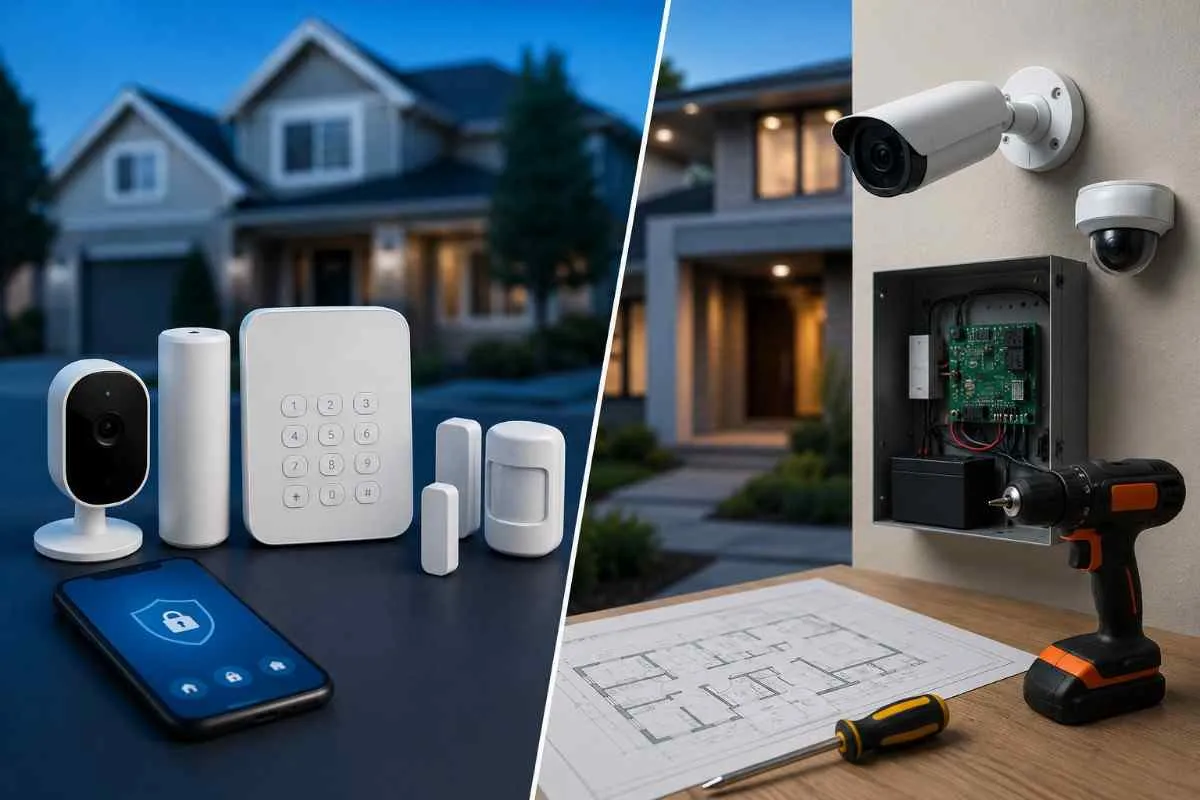
DIY vs Professional Home Security System: Which Is Right for You? (2026)
Choosing between a DIY home security system and a professionally installed one is the single most important decision you will make when securing your US home. It affects your upfront cost, your monthly fees, how protected you actually are, and whether you are locked into a contract. This guide gives you a clear, unbiased comparison of both options in 2026. No sales pitch for either side. Just real data, real cost differences, and a straightforward decision guide so you can choose what actually fits your home. All pricing data in this guide is sourced from publicly available third-party reviews as of April 2026. Prices are subject to change and may vary by provider, location, and current promotions. Always confirm current pricing directly with the provider before purchasing.
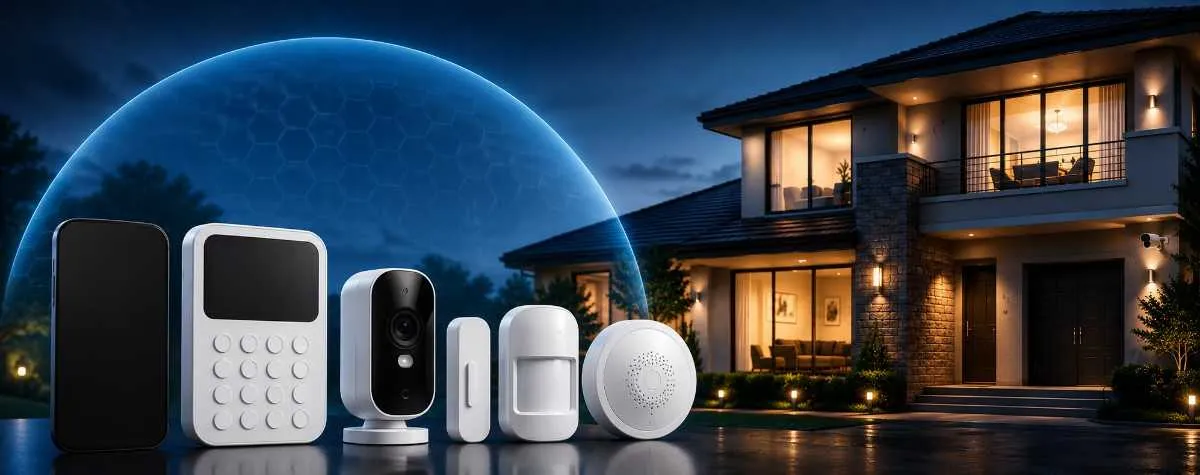
How Much Is Home Security Per Month? (2026 Monitoring Cost Guide)
The monthly cost of home security monitoring is one of the most searched questions US homeowners ask before choosing a system. And for good reason. The alarm monitoring cost is the part you keep paying long after the equipment is installed. This guide gives you a clear, unbiased picture of what US homeowners are paying for home security monitoring in 2026. We cover every tier from free self-monitoring to premium 24/7 professional plans, compare the four most popular providers side by side, and explain exactly what you get at each price point. All pricing data in this guide has been verified from publicly available sources as of April 2026. Prices are subject to change and may vary by location, plan, and promotional offer. Always confirm current pricing directly with the provider before purchasing.
How Much Does a Home Security System Cost in the US? (2026 Guide)
The cost of a home security system is one of the first things US homeowners search for — and one of the most confusing. You'll find numbers ranging from $130 to $3,000+ across different websites, and almost none of them tell you the full picture. That's because home security system cost isn't a single number. It's a combination of equipment, installation, monthly monitoring, and a few hidden costs most people don't find out about until after they've signed up. This guide breaks it all down clearly — so you know exactly what to budget, what you actually need to pay for, and what you can skip.
Home Security Checklist Before Installation: What to Do First (2026)
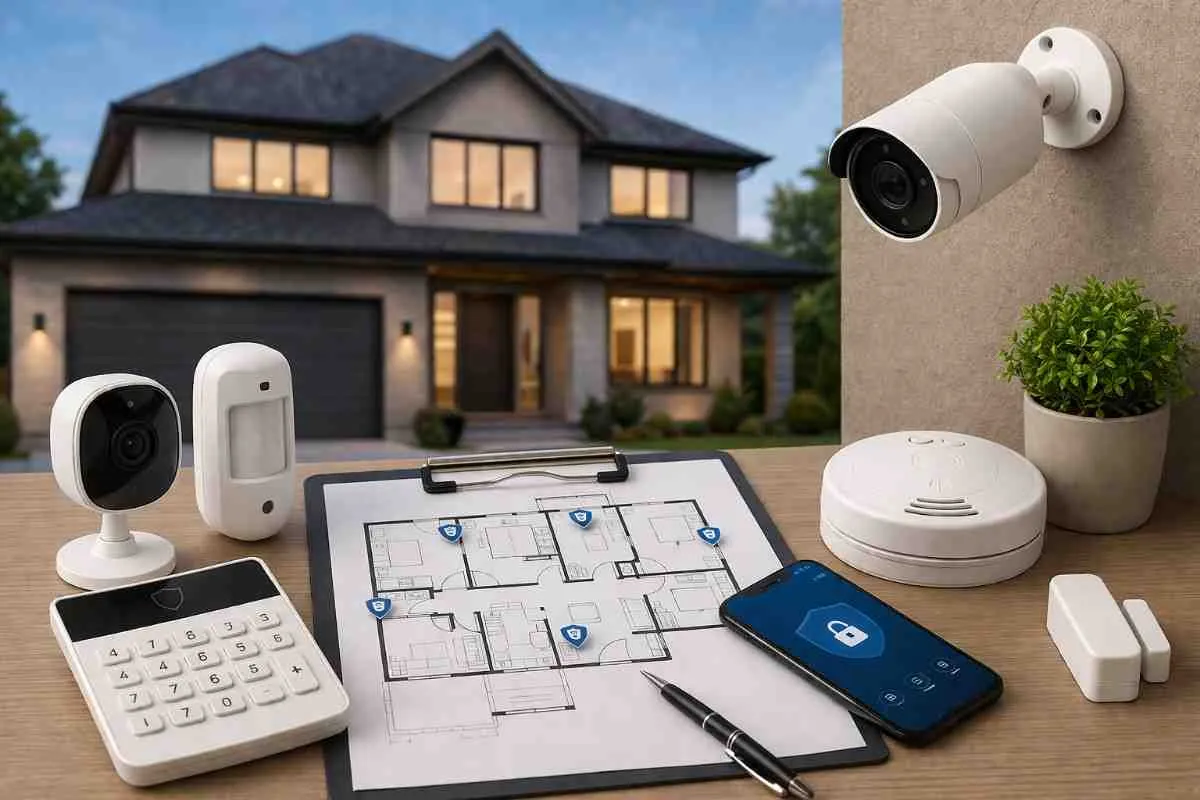
Most home security mistakes happen before a single sensor is unboxed. People buy a starter kit, install it quickly, and only later discover they missed a critical entry point, placed a sensor near a heat source, or bought a system that does not work with their WiFi.

How to Secure a Large Home Effectively: Complete 2026 Guide
Large homes present a security challenge that starter kits and generic system recommendations cannot solve. More doors. More windows. More entry points on every side. And more distance between rooms that means a single motion sensor or camera can cover only a fraction of the property.

Indoor vs Outdoor Security Planning: A Complete Home Security Guide (2026)
Most home security systems fail because they were planned from the inside out. The correct approach is the reverse: secure the outside of your home first so intruders never reach the inside.
What Security System Do I Need for My Home Type? (2026 Guide)
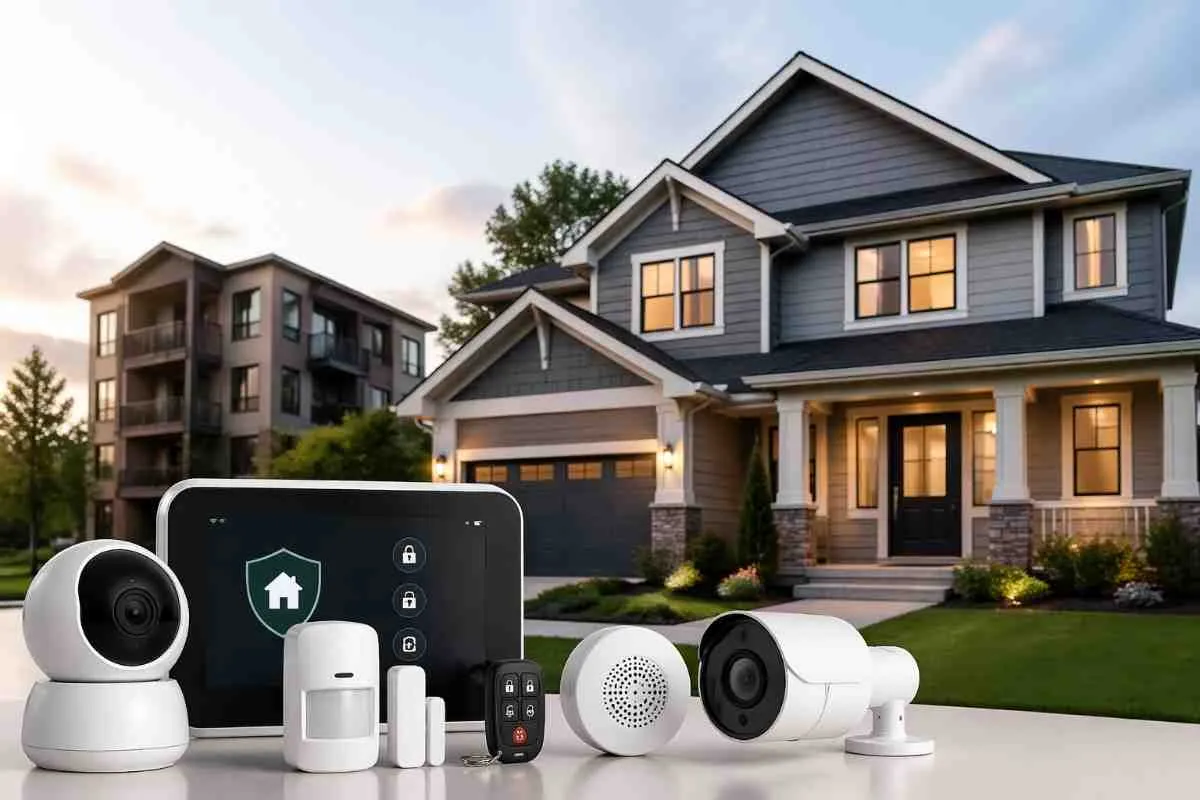
The most common mistake US homeowners make when buying a security system is choosing a package that was designed for a different type of home than theirs. A starter kit built for a studio apartment does not adequately cover a 4-bedroom house. A full professional system designed for a large home is overkill for a single-bedroom rental.
Apartment vs House Security Systems: What You Actually Need (2026)
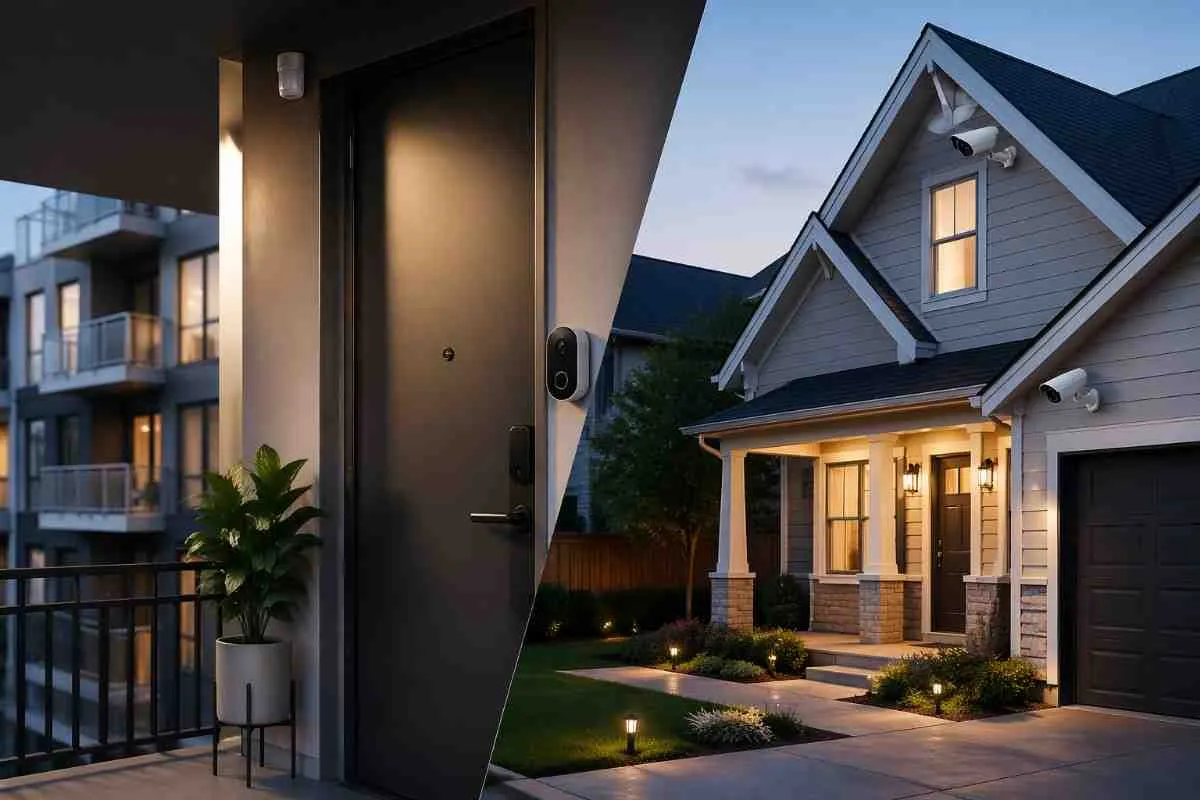
Apartment security and house security are not the same problem. An apartment typically has one or two entry points, lease restrictions on hardware, and a requirement that whatever you install leaves no trace when you move out. A house has multiple doors, windows, a garage, a backyard, and the freedom to install whatever system works best. This guide breaks down exactly what each situation requires, what systems work for renters without damaging walls, and how to choose the right coverage for your specific living situation.
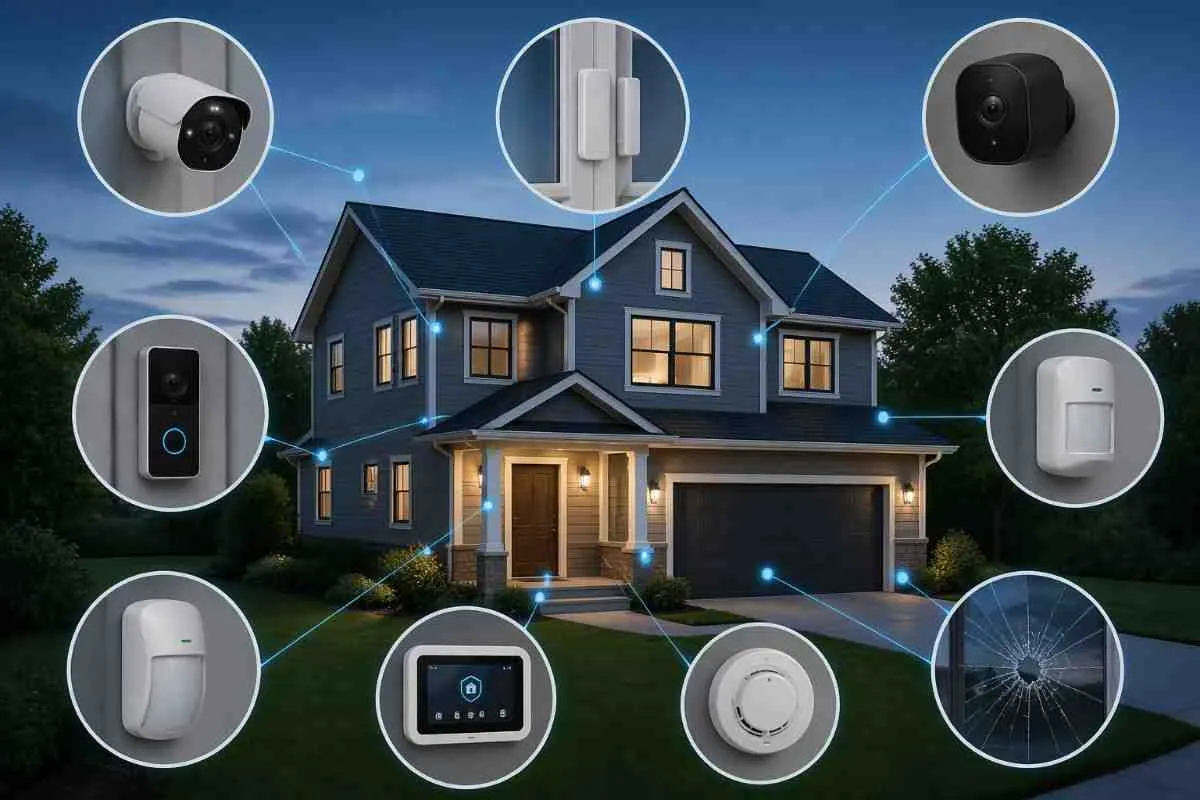
Best Home Security Setup for a 3-Bedroom House
A 3-bedroom house is the most common home size in the US and the most frequently targeted by residential burglars. It has multiple entry points, multiple floors in many cases, and enough square footage that a single camera or sensor does not cover the whole property. This guide gives you a complete, ready-to-use security setup for a standard 3-bedroom US home: every device you need, exactly where to put it, what it costs, and how to avoid the most common setup mistakes.
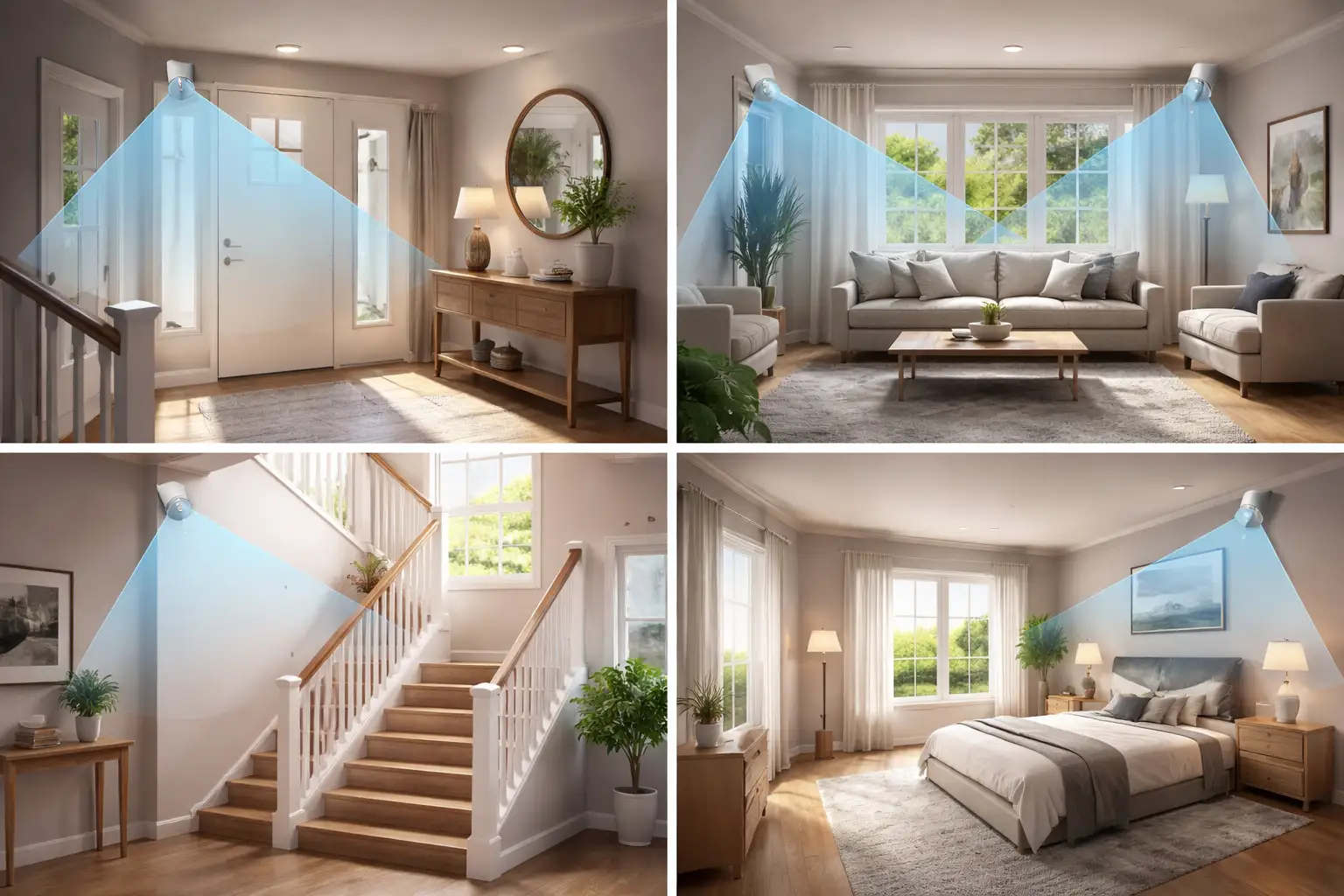
Where Should Motion Sensors Be Placed? A Room-by-Room Guide (2026)
A motion sensor installed in the wrong location is almost as useless as having no sensor at all. It either misses movement entirely or triggers false alarms until you turn it off in frustration. This guide reveals exactly where to place motion sensors in your home for professional-grade security.
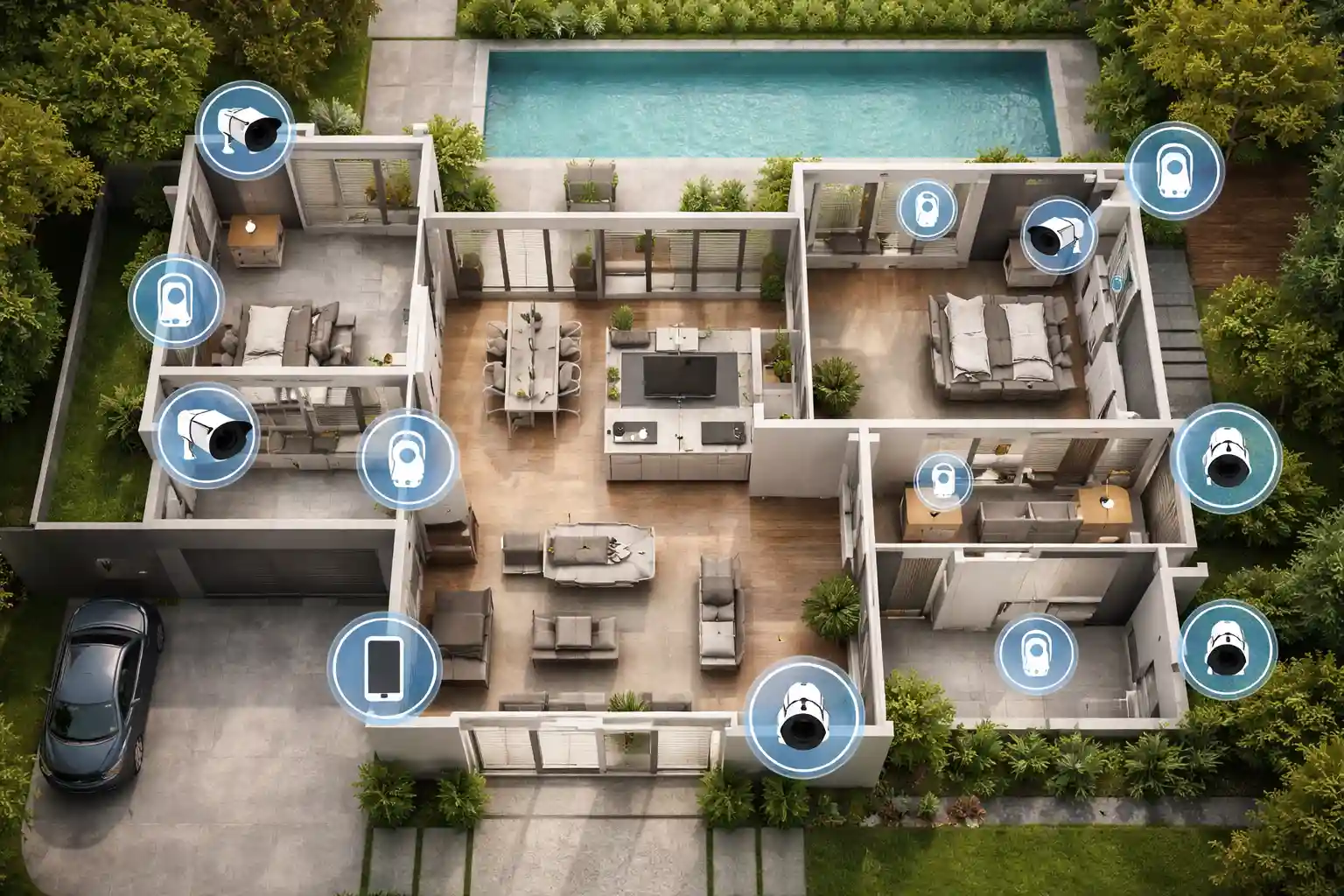
How Many Security Cameras Do I Need for My Home? (2026 Guide)
Most homes in the US are either under-covered with cameras or over-spending on cameras in the wrong places. The answer to how many security cameras you need is not a single number. It depends on your home size, layout, and what you are trying to protect. This guide gives you a clear, room-by-room breakdown with specific recommendations by home size, plus a placement guide so every camera you buy earns its spot.