Smart Home Security App. Your Entire Home in the Palm of Your Hand
Live cameras, smart locks, alarms, sensors, and home automation. All controlled from one app.
The smart home control app puts everything in one place. View live camera feeds, arm or disarm your alarm, lock or unlock your doors, check sensor status, control your thermostat, and receive instant security alerts. All from your smartphone, wherever you are. Whether you're in the next room or the other side of the country, you stay fully connected to and in control of your home at all times.
Why Managing Your Home Security Needs One Simple App
Multiple devices, multiple apps, and too much to keep track of, there's a better way.
Most homeowners end up with security devices that each need their own app, one for the cameras, another for the alarm, a separate one for the smart lock, and yet another for the thermostat. Keeping track of all of them is frustrating, and when an alert comes through, the last thing you want is to be searching for the right app to open.
A single mobile control app solves this completely. Every device in your home security setup such as cameras, alarms, locks, sensors, and smart home devices are managed from one screen. One login, one interface, one place to check when it matters.
The security mobile app is set up for you during your professional installation visit. The technician configures everything and walks you through how to use it before they leave, so you're confident from day one.
The home automation control app is available on iOS and Android, included as part of select home security packages.
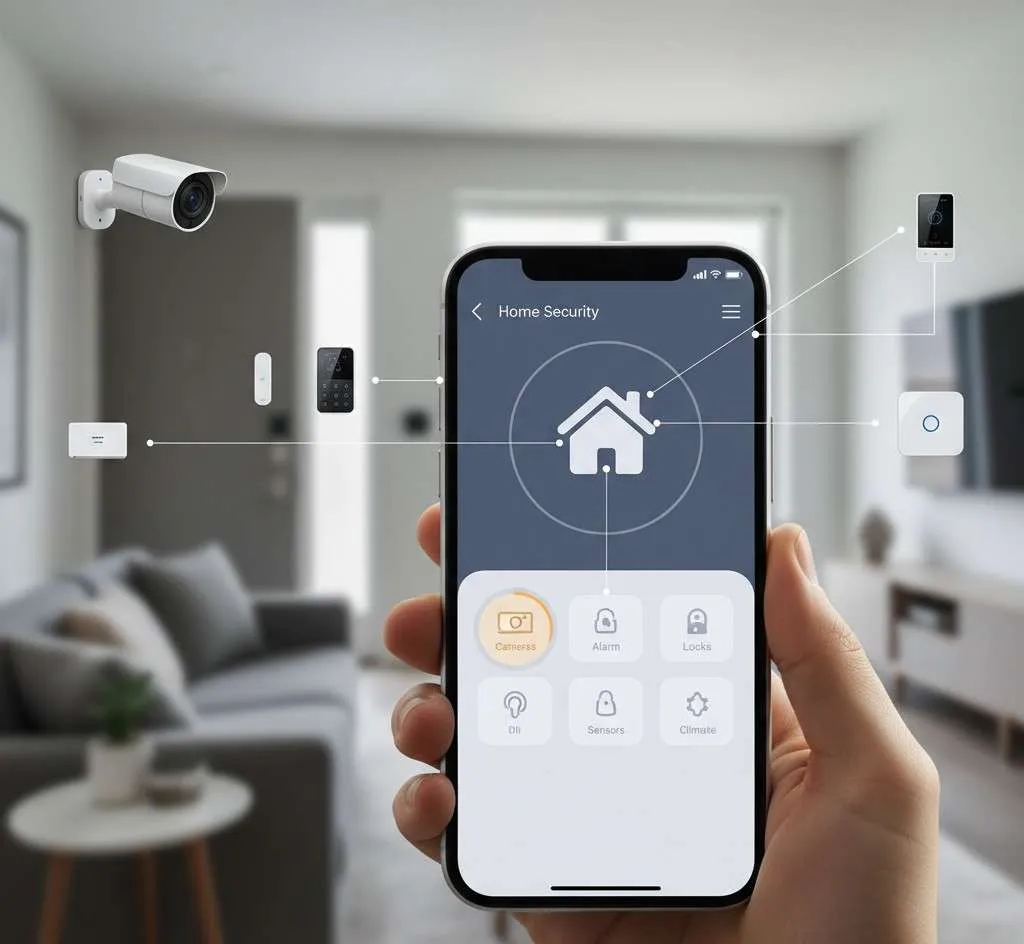
Everything You Can Do
from the Smart Home App
One app. Every device. Complete control from anywhere.
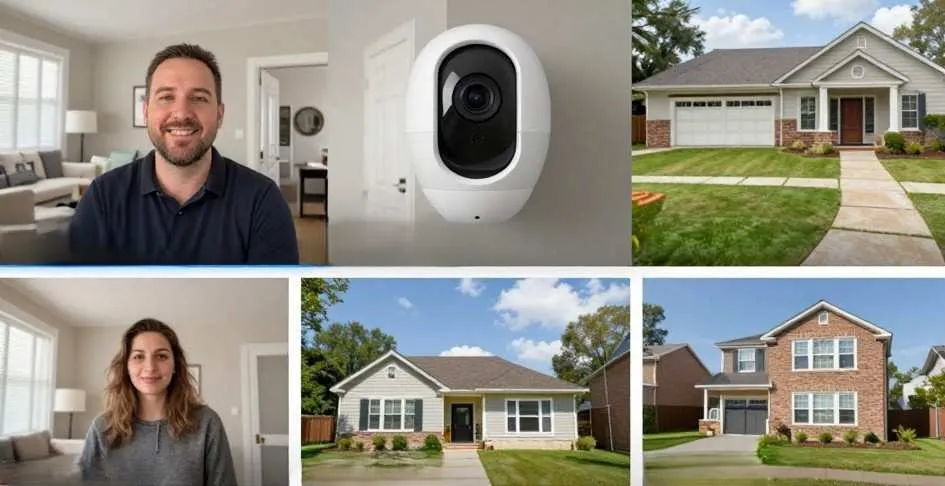
View Live Camera Feeds
See real-time video from all your indoor and outdoor security cameras at any time. Check in on your home, review motion-triggered footage, and keep an eye on every part of your property, directly from the app.
Arm and Disarm Your Alarm Remotely
Forgot to arm the alarm before leaving? Done in seconds from the app. Heading home and want to disarm before you arrive? Just tap. Full alarm control from anywhere, at any time.
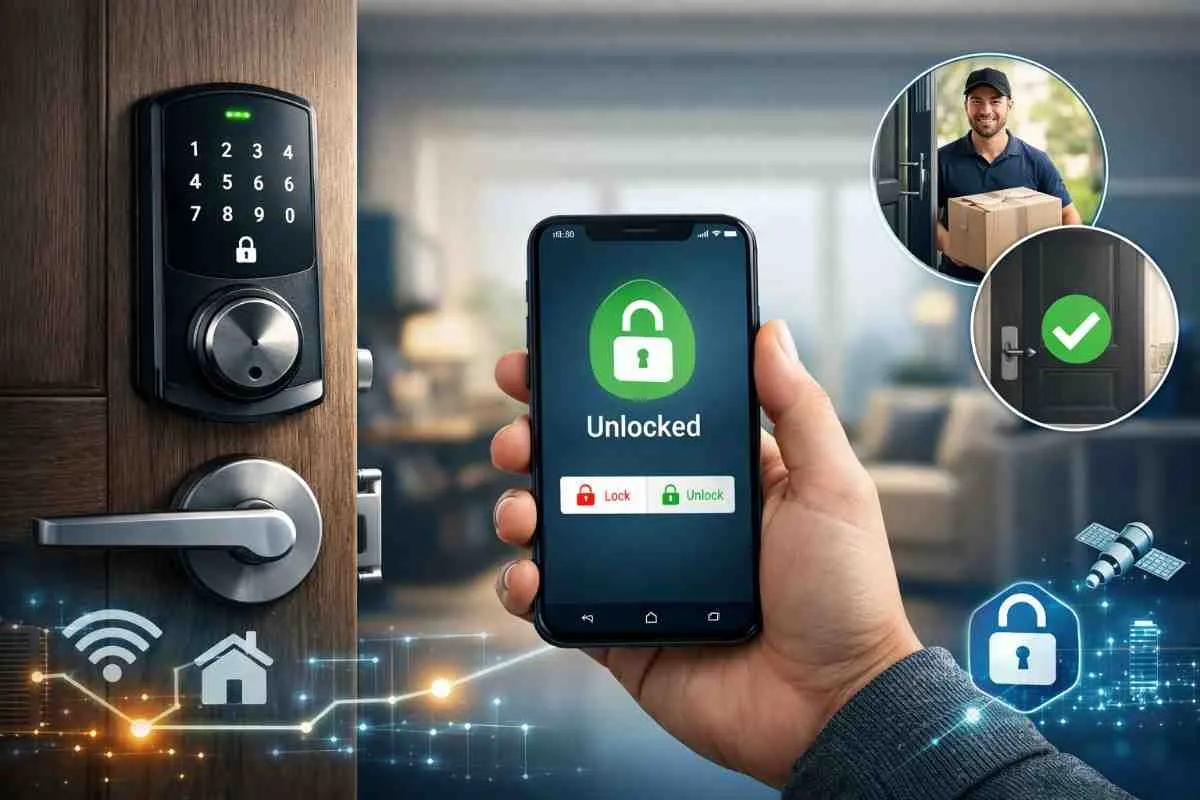
Lock and Unlock Smart Door Locks
Lock or unlock any smart door lock in your home remotely. Let someone in without being there, check whether a door is secured, or lock up instantly if you left in a hurry. All from the mobile control app.
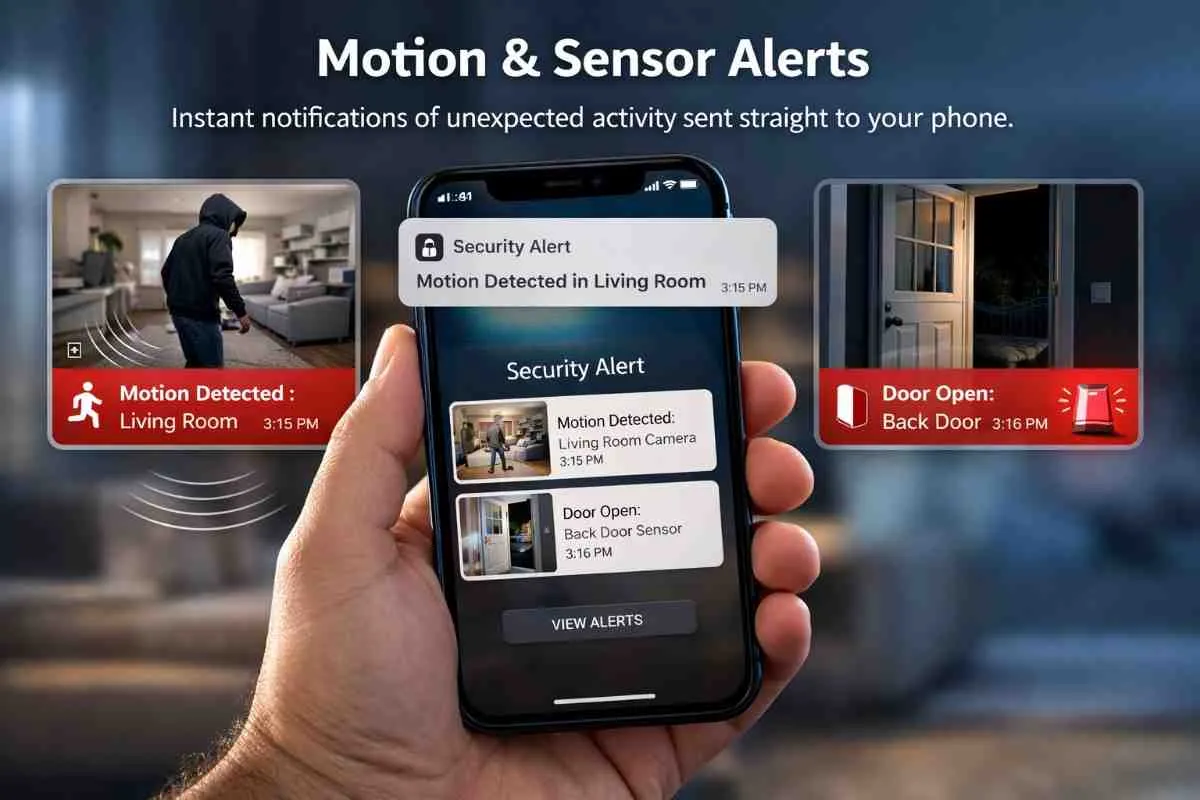
Motion and Sensor Alerts
Receive an instant notification the moment a motion sensor is triggered or an alarm sensor detects unexpected activity. See exactly which device was triggered, where, and when, straight on your phone.
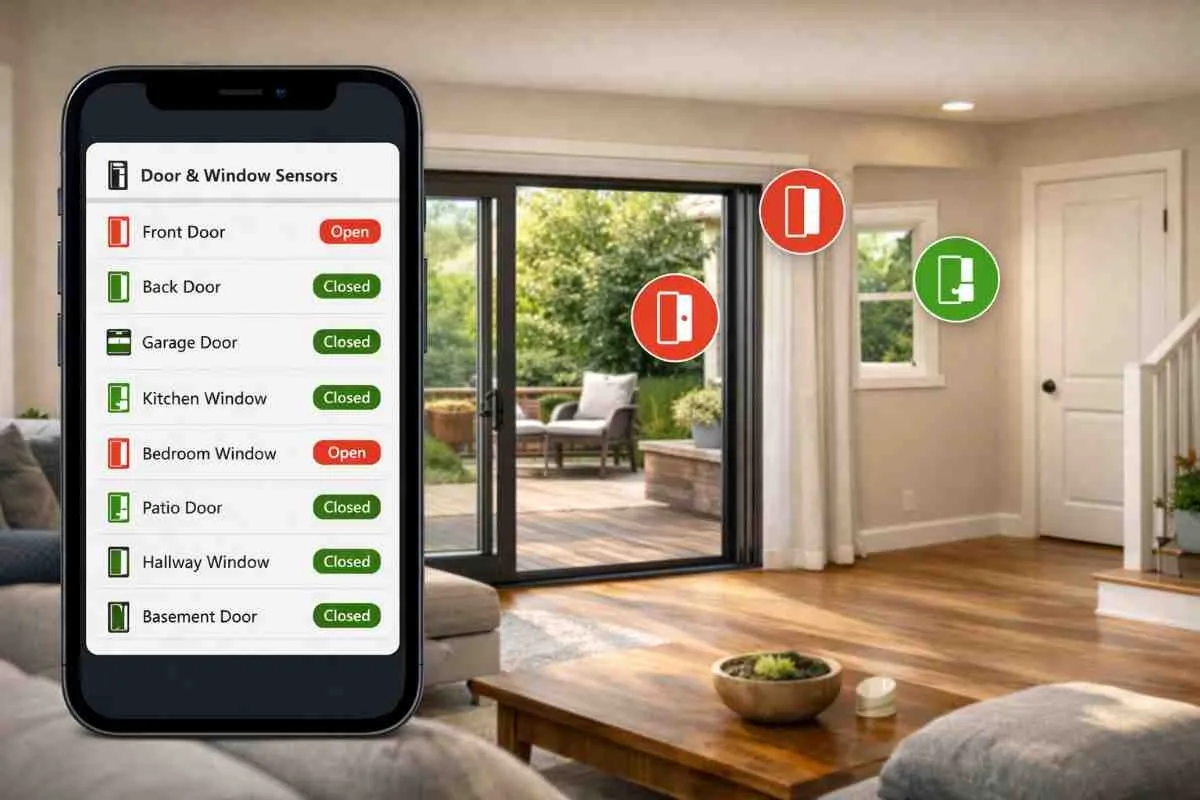
Door and Window Sensor Status
Check the open or closed status of every door and window sensor in your home at a glance. Useful for everyday reassurance and essential during an alert, you always know the exact state of every entry point.
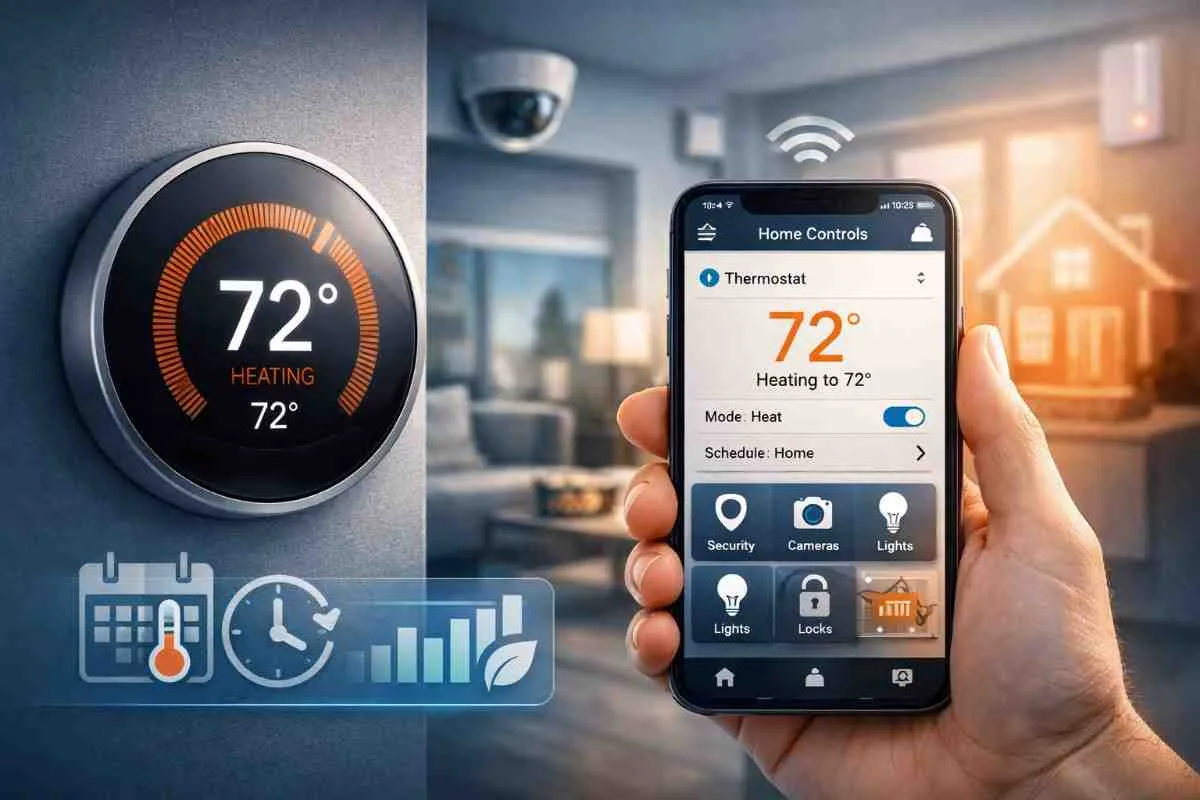
Smart Thermostat Control
Adjust your home's temperature remotely, set schedules, and manage energy use. All from the same smart home automation app as your security devices. No switching between apps.
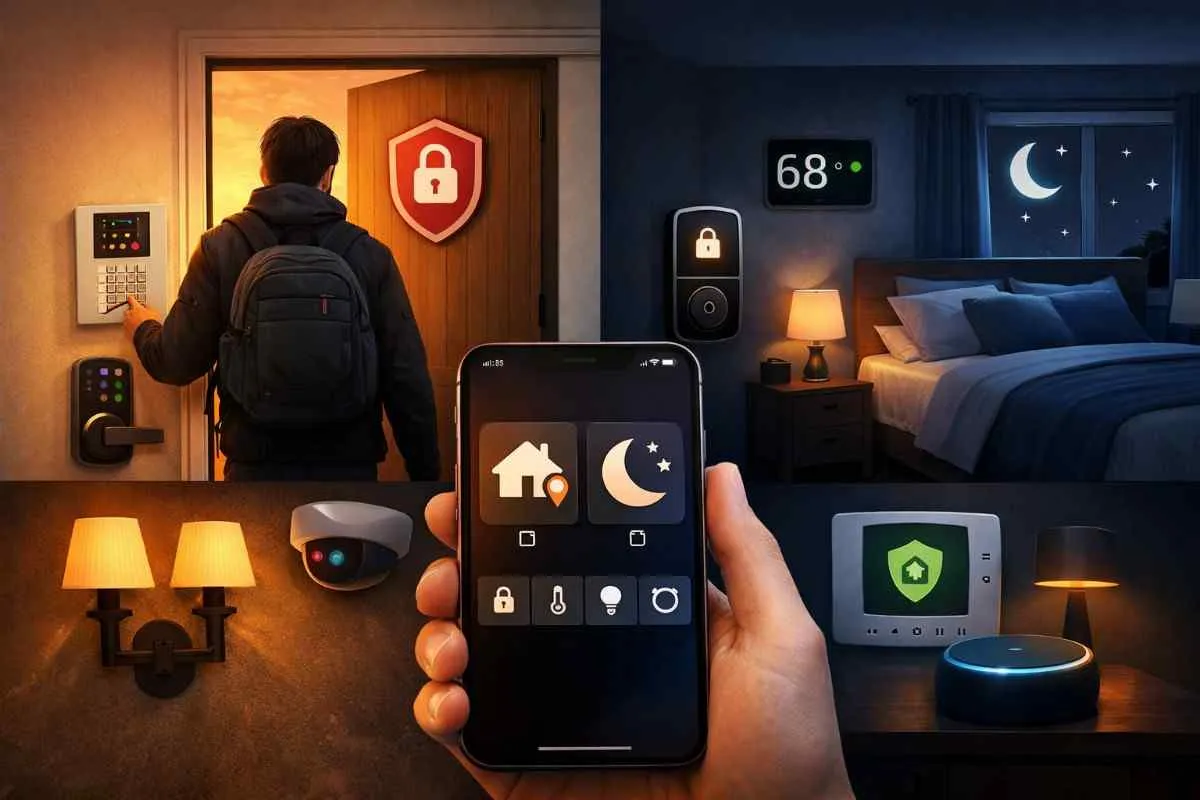
Smart Automation and Scenes
Create custom routines like Away Mode or Night Mode to control multiple devices at once. Arm your system, lock doors, adjust temperature, and turn off lights in a single tap.
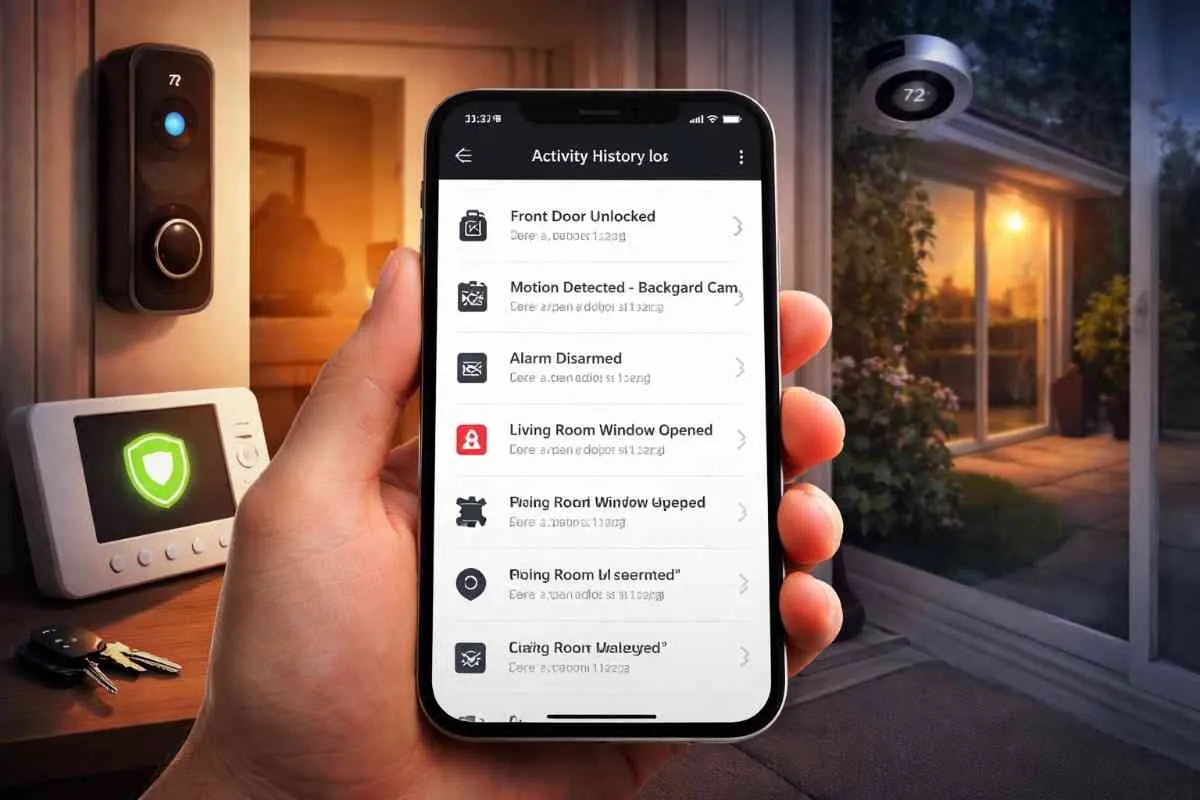
Activity History and Event Log
Review a full log of everything that has happened across your security system, which sensors triggered, when doors were locked or unlocked, camera motion events, alarm activity, and more. A complete record always available in the app.
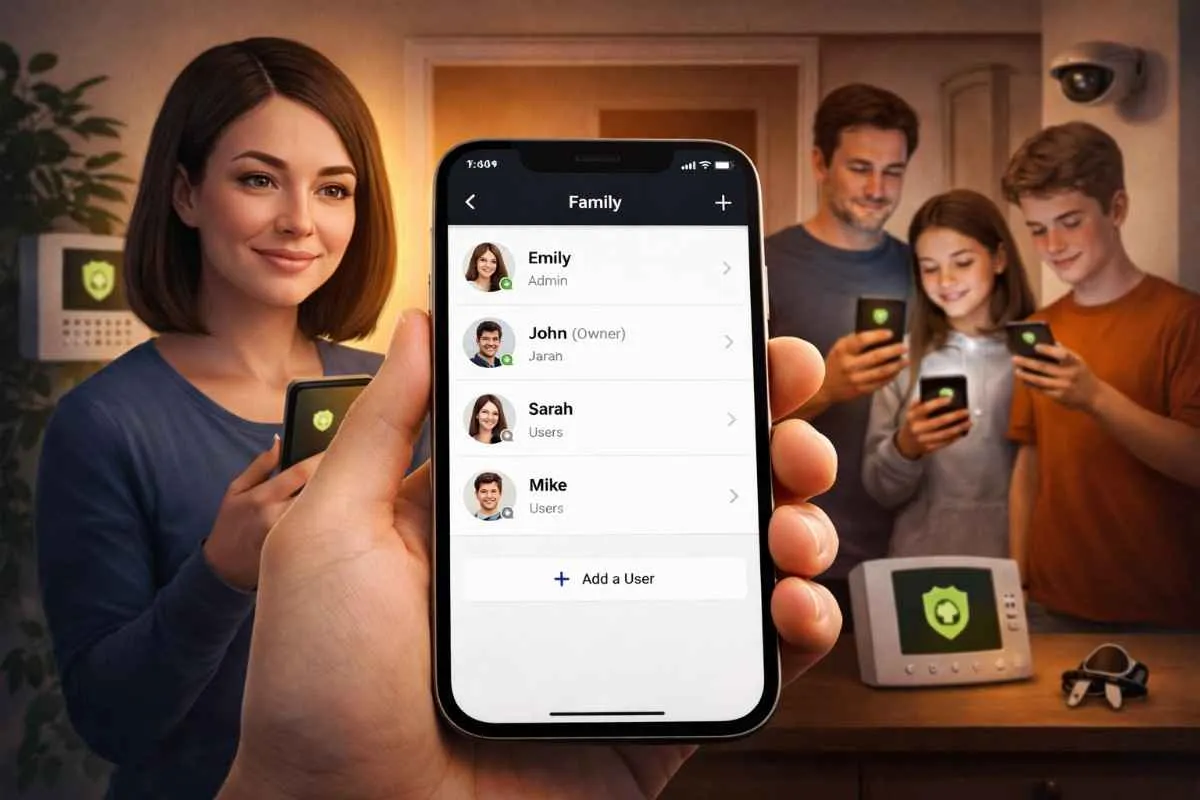
Multiple User Access for the Whole Family
Add family members to the app so everyone in the household has their own access. Each person can arm or disarm, check status, and receive alerts with individual accounts and control levels managed by you.
How the Smart Home Control App Works
Set up during installation — simple to use from day one.
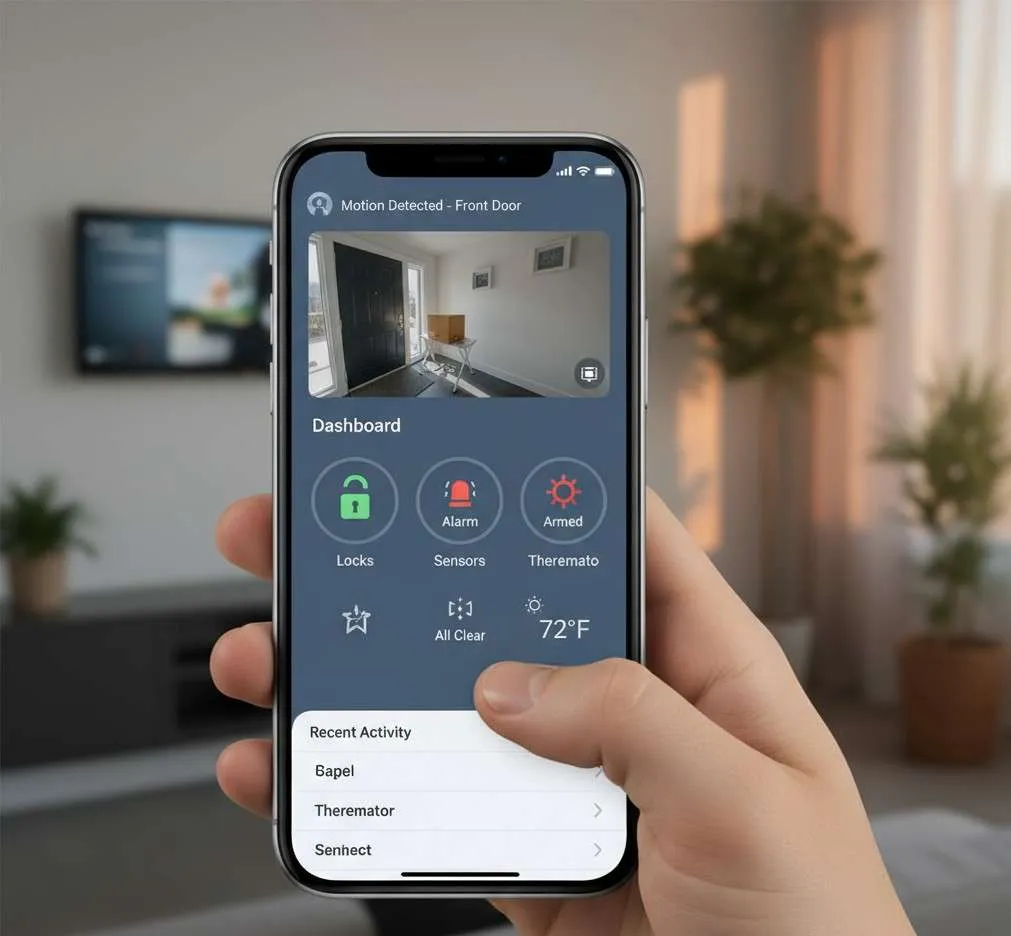
App Is Set Up During Installation
When a technician installs your security system, they set up the home control app on your smartphone as part of the visit. Every device is connected and configured before they leave.
All Your Devices Appear in One Place
Cameras, alarms, locks, sensors, thermostat every device in your home security setup is visible in the app from the moment installation is complete. No manual configuration required on your end.
Receive Alerts the Moment Something Happens
When a sensor triggers, a camera detects motion, or an alarm activates, a notification arrives on your phone instantly. Open the app to see exactly what happened and where.
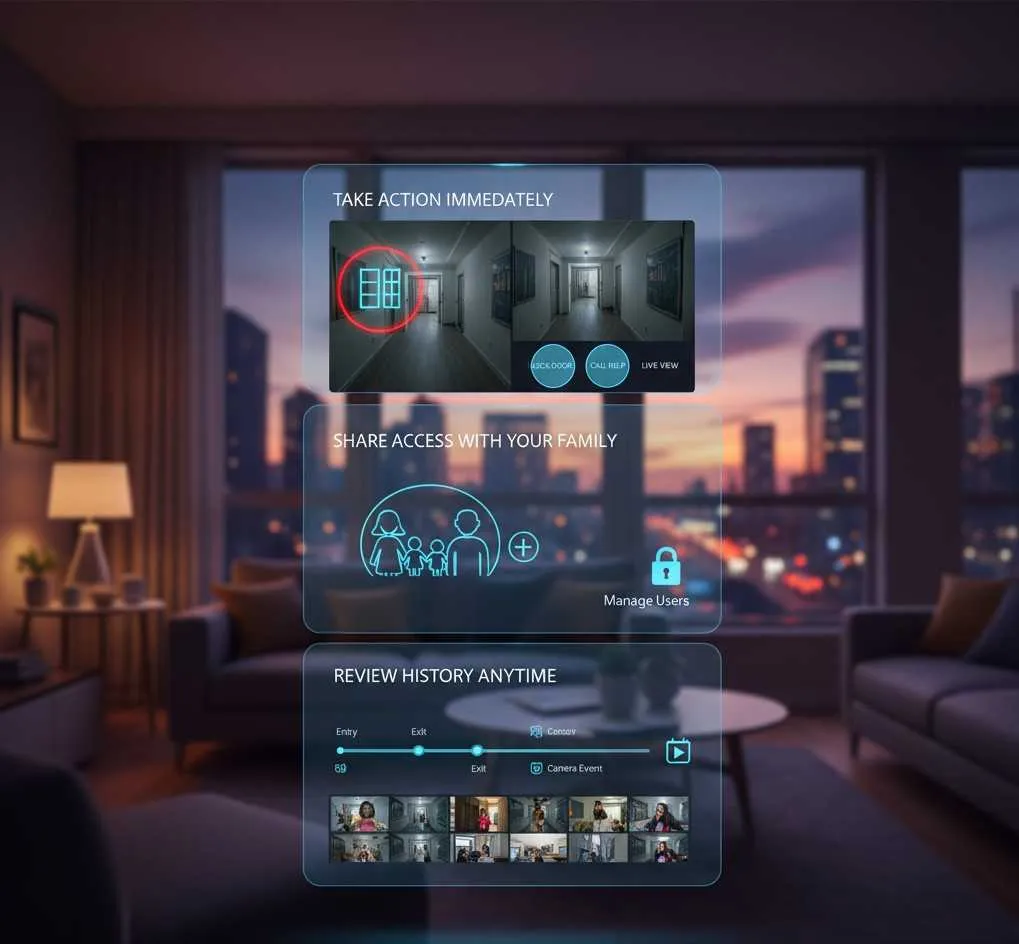
Take Action Immediately from Wherever You Are
View the live camera feed for the triggered area, check which door or window opened, lock a door remotely, or call for help. All from inside the app without needing to be at home.
Share Access with Your Family
Add family members so everyone has their own login and can monitor and control the home. Useful for households where multiple people come and go at different times.
Review History Anytime
Check the activity log at any time to review past events, verify entries and exits, or look back at camera footage, giving you a complete picture of everything that has happened in and around your home.
The app runs quietly in the background, ready to alert you the moment it's needed, and always available when you want to check in.
Why Choose Smart Home App Control?
One app. Every device. Backed by 10+ years of home security experience.
Managing your home security shouldn't feel like a full-time job. The smart home automation app is designed to make it simple, everything in one place, easy to navigate, and always available when you need it.
The app is just one part of a complete home security setup. Speak to an advisor to see how cameras, alarms, locks, sensors, and monitoring all work together from a single screen.
Frequently Asked Questions
Control Your Entire Home Security System from One App
Everything in one place, Always available, Always connected.
A smart security mobile app turns your smartphone into a complete home control centre. Live cameras, instant alerts, remote arm and disarm, door lock control, sensor status, thermostat management, and a full activity log. All from one simple interface on iOS or Android.
With Brocus, the app is set up for you as part of your installation no configuration headaches, no technical knowledge needed. Just open the app and your whole home is there.
Speak with a Brocus advisor today to find the right package and get your smart home app set up alongside your full security system.
Related Home Security Services and Products
Industry-tested hardware built to work seamlessly together for 24/7 protection.
24/7 Professional Monitoring
A dedicated monitoring center that responds immediately to any security alerts.
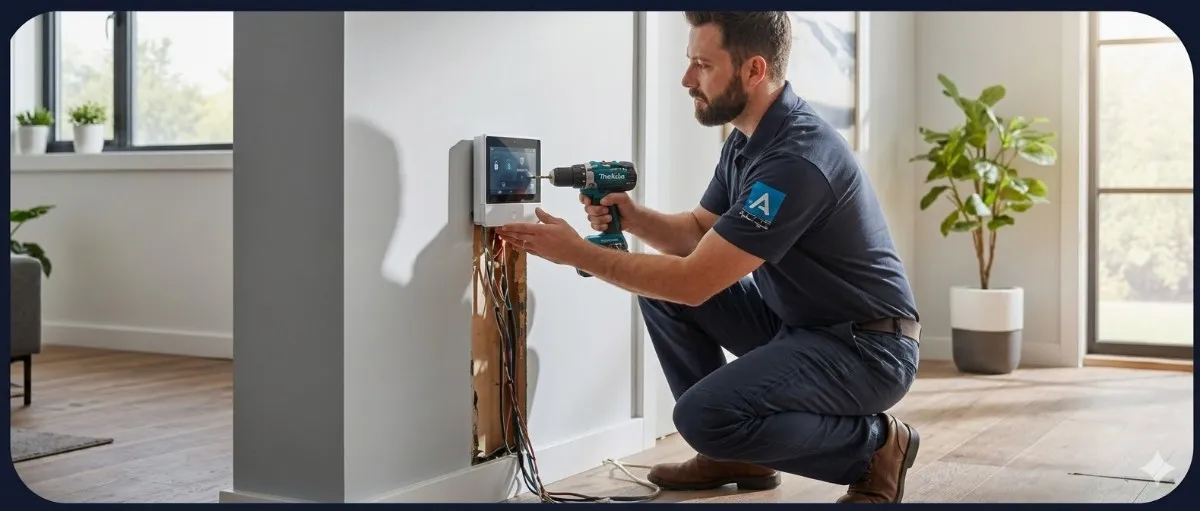
Professional Home Security Installation
Expert setup for reliable performance from day one.
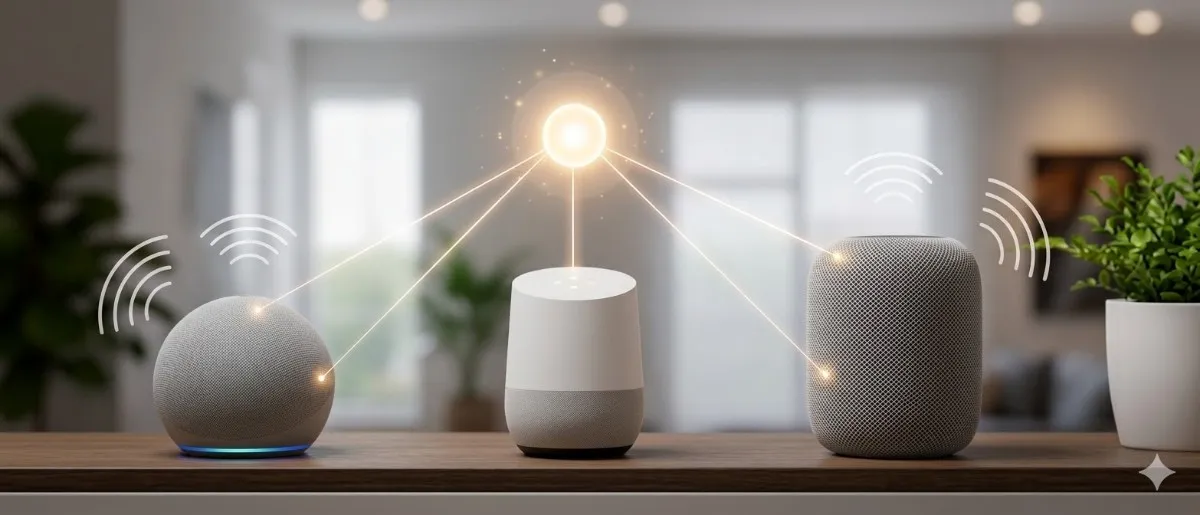
Smart Home Integration
Connect and automate your security with smart devices.
Smart Home Security App
Live cameras, smart locks, alarms, sensors, and home automation.
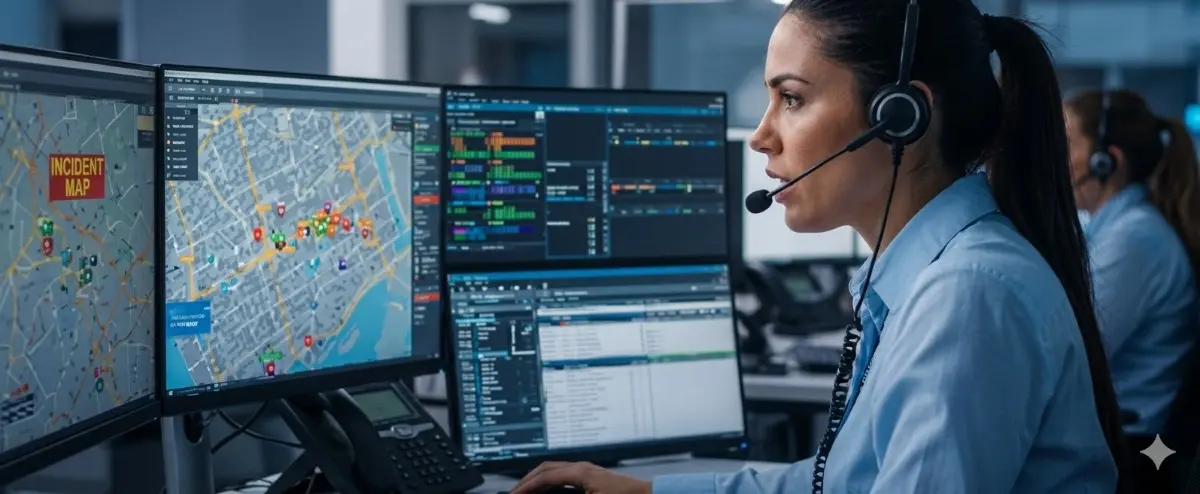
Emergency Response Management
Fast emergency response when an alarm is triggered.
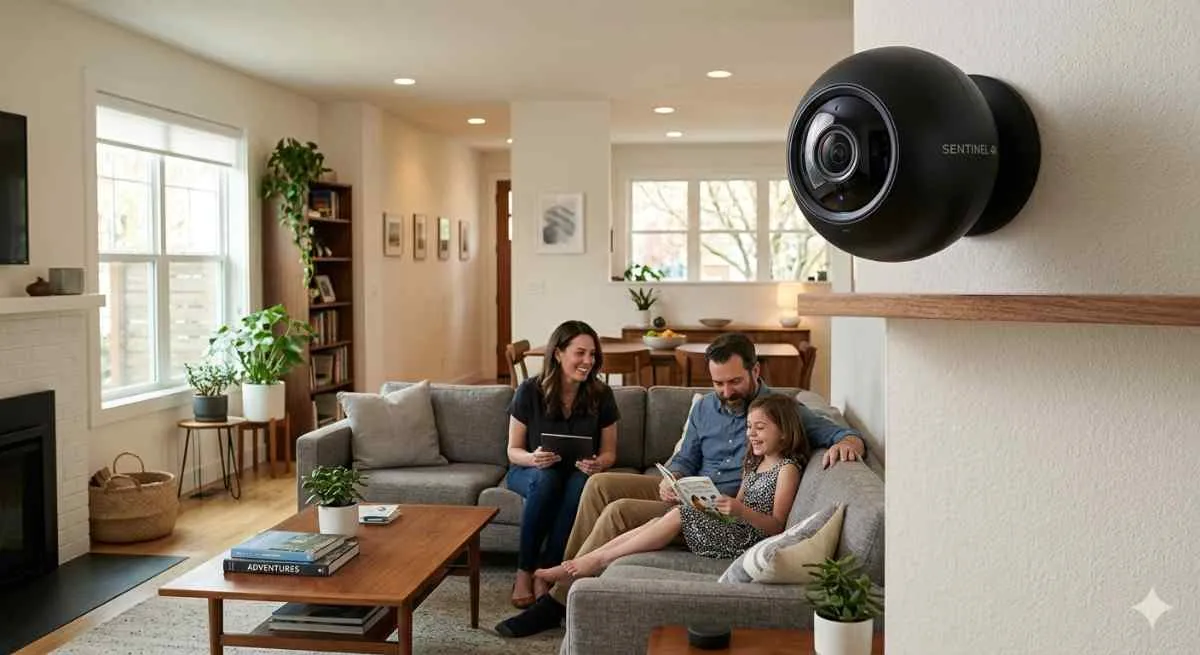
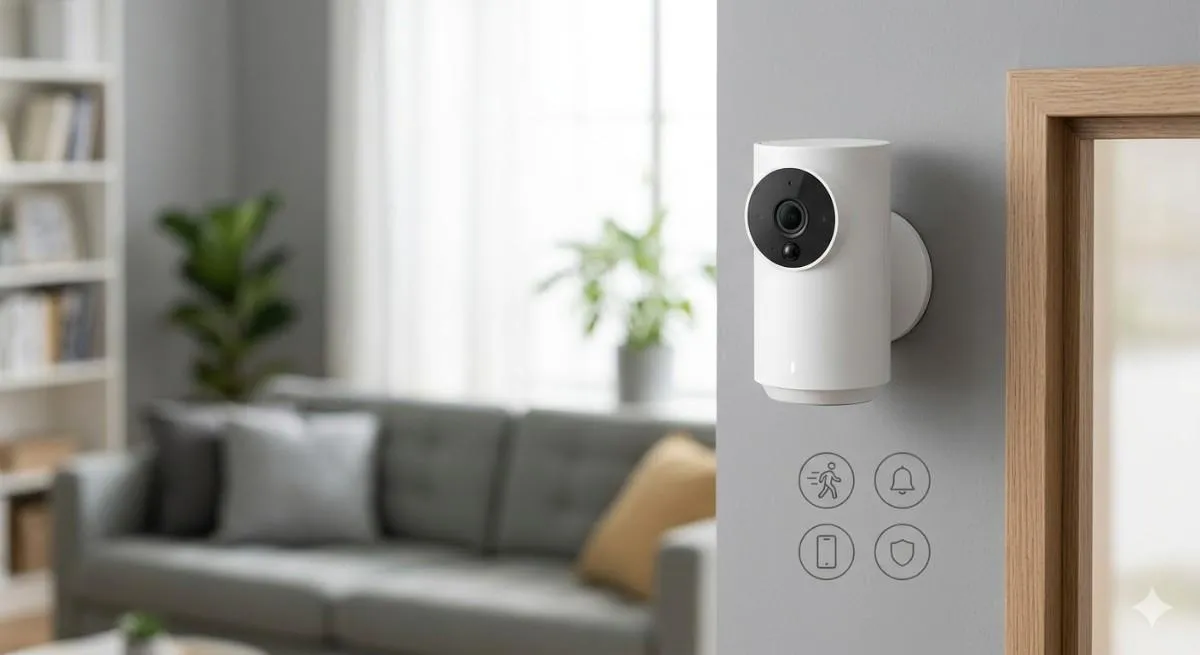
Smart Home Security Camera
Monitor your property with live video and motion alerts directly to your phone.
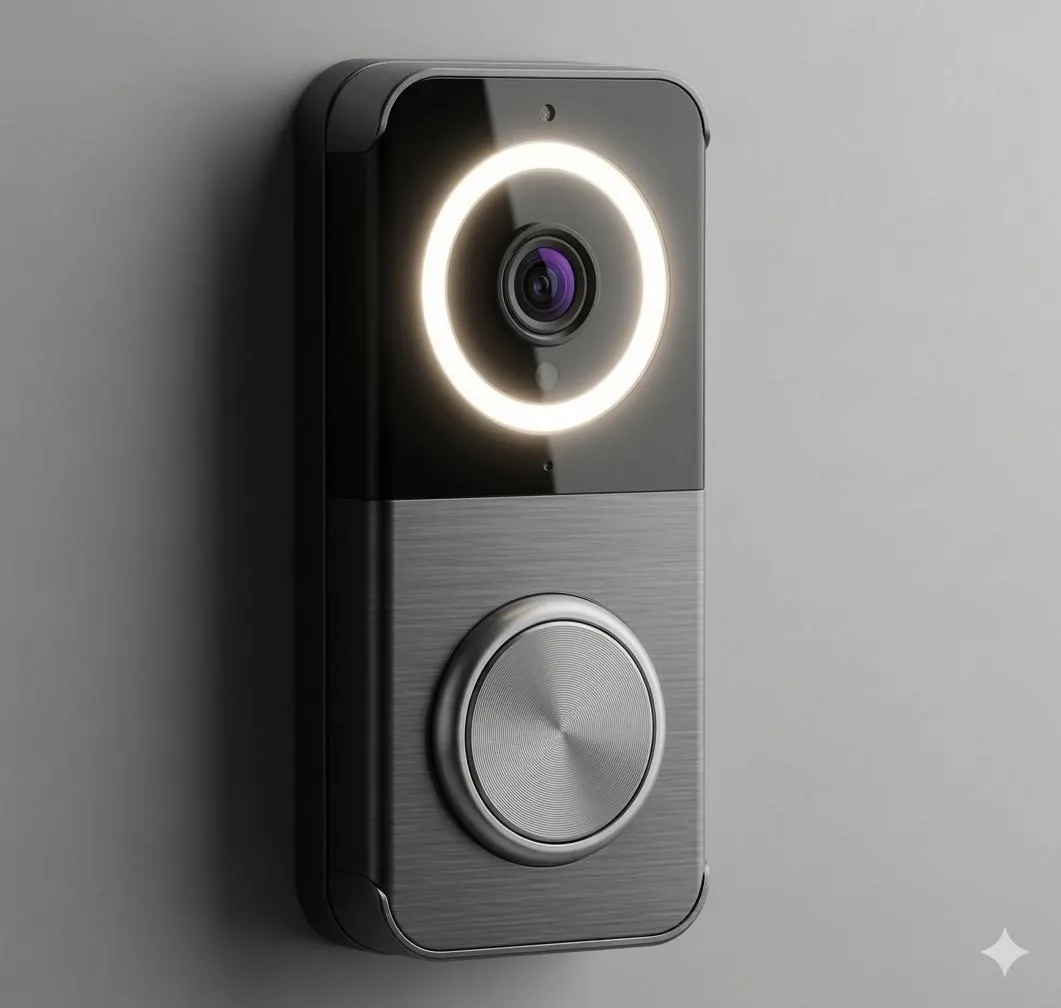
Smart Doorbell Camera
See who is at your door anytime with live video and two-way audio.
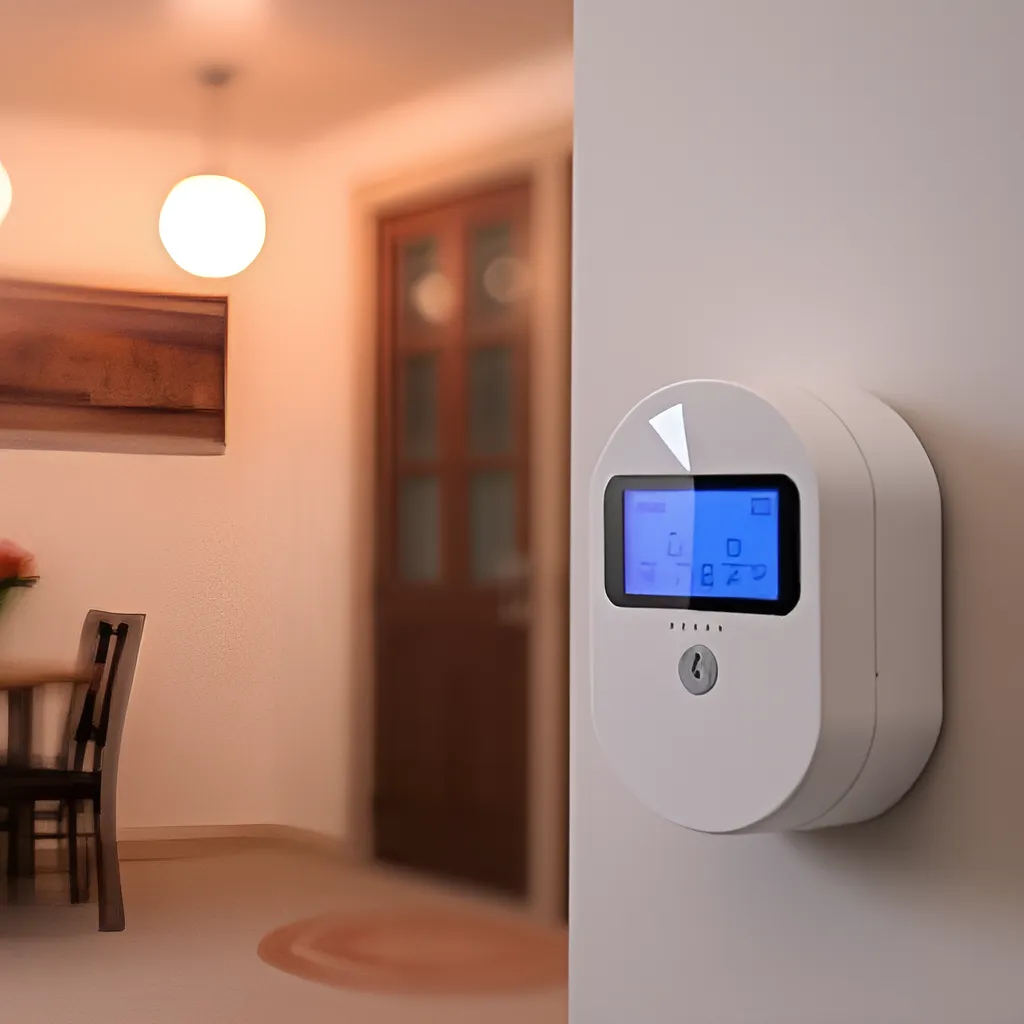
Home Alarm Systems
Instant alerts, loud siren, motion and door sensors with 24/7 monitoring.
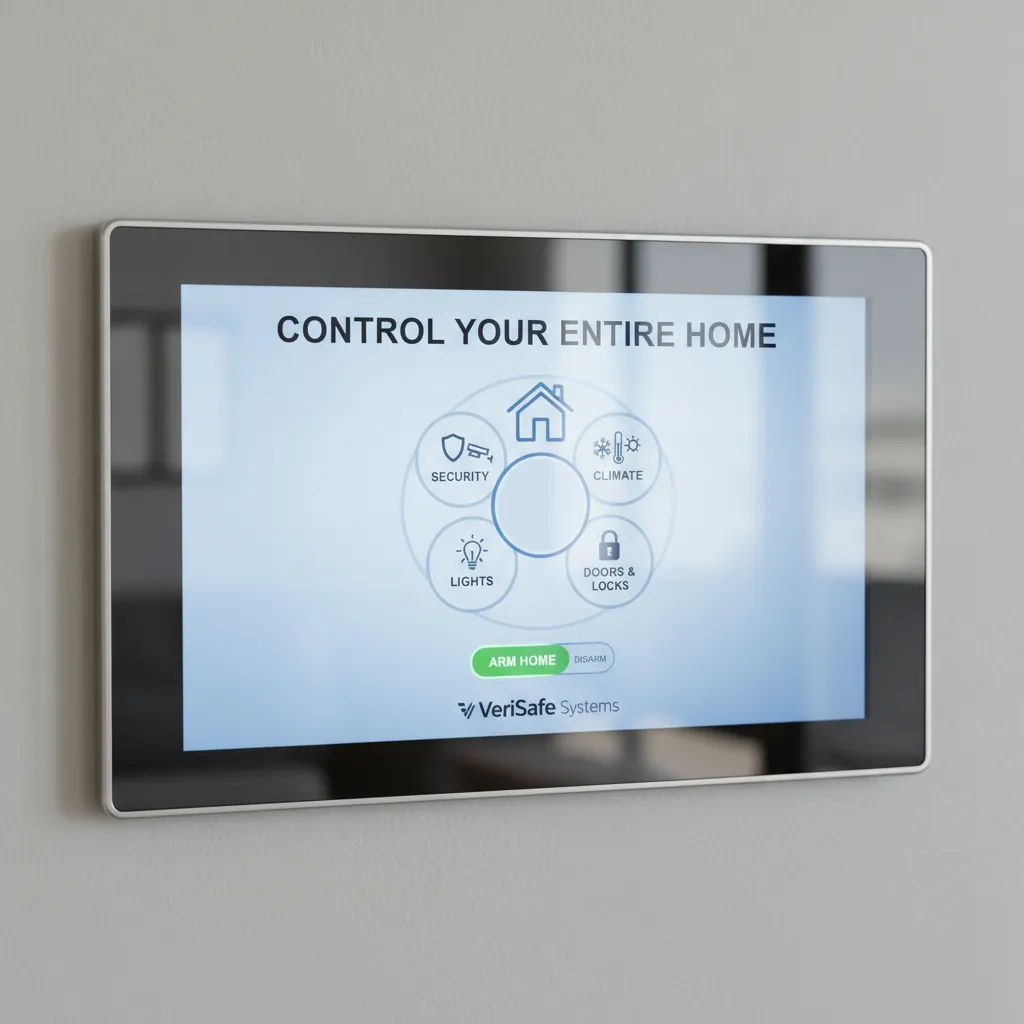
Home Security System Panel
Control your entire home security system from one place with a smart home security panel.