Upgrade Diagnostics:
What to Fix First
You do not always need to replace everything at once. Some upgrades close far bigger gaps than others. This is a priority guide: diagnose the weak point, fix the highest-impact item first, and use current promotions to make it affordable.
When a system feels dated, the instinct is either to do nothing or to rip it all out. There is a smarter middle path. Most security setups have one or two genuine weak points, and fixing those first delivers most of the protection gain for a fraction of a full replacement.
This page helps you find your weakest link and fix it in the right order. Where a promotion makes an upgrade close to free, we will point it out. Where a full replacement is actually the better value, we will say that too.

Diagnose Before You Upgrade
Match the symptom to what it really signals:
You only find out about events after the fact
Signals: no professional monitoring.
You cannot see what triggered an alarm
Signals: missing or disconnected cameras.
The system dies in an outage
Signals: no battery or cellular backup.
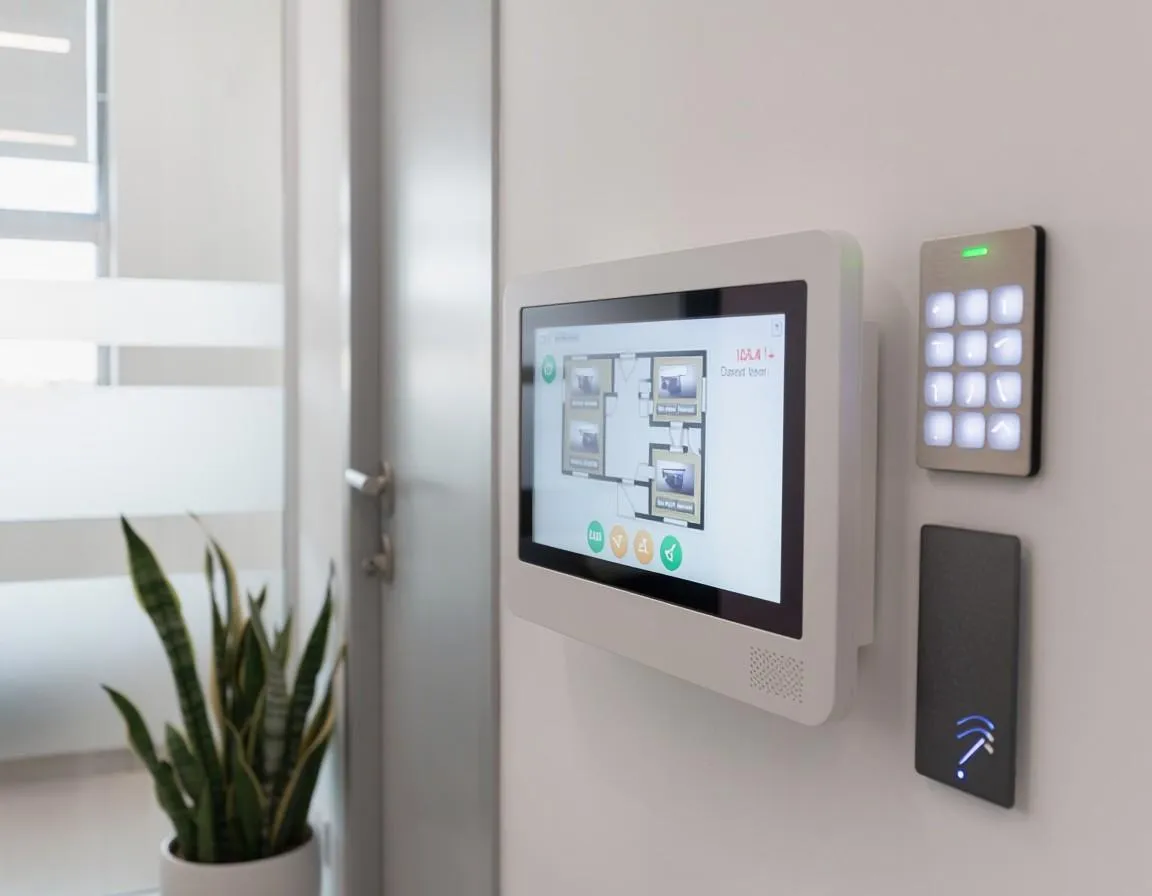
You cannot check the home remotely
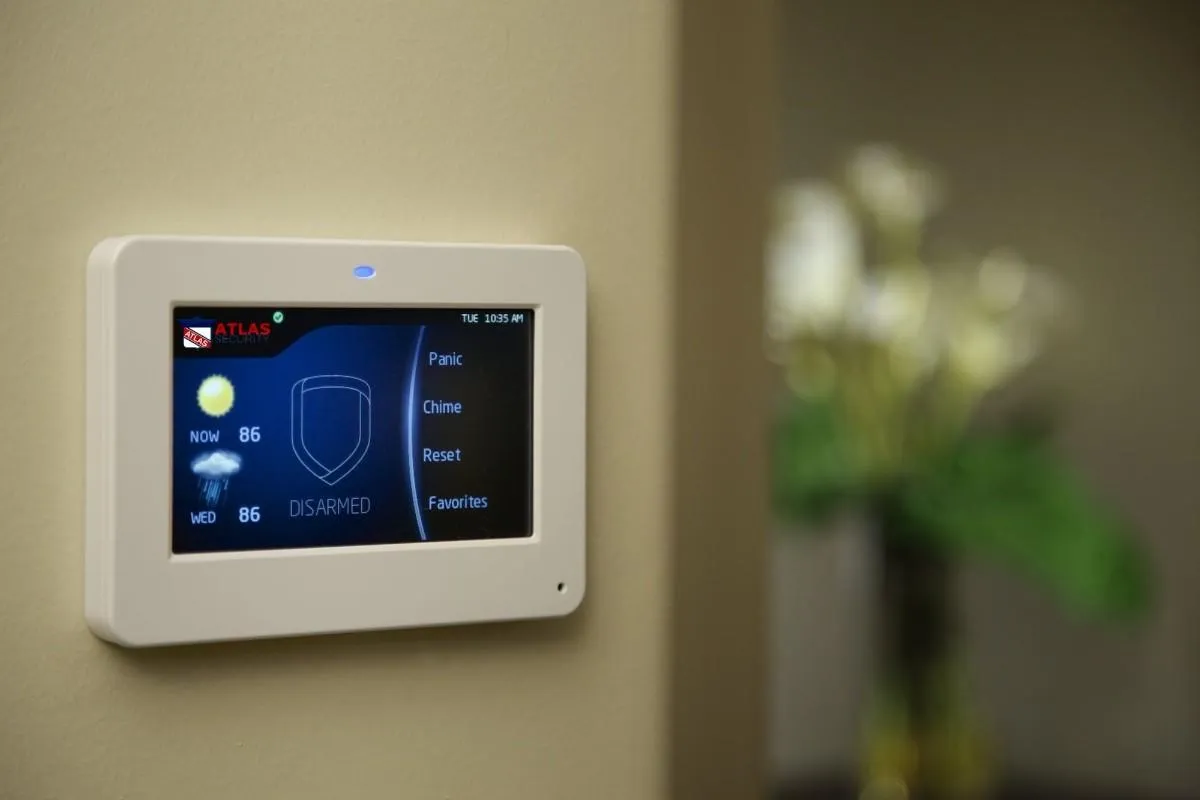
Signals: an outdated panel or no app.
Certain doors or windows are never covered
Signals: a coverage gap, not a hardware fault.
Upgrade Priority Order
If you can only fix a few things, fix them in roughly this order for the most protection per dollar:

Professional monitoring
This is the single biggest jump. It turns a private alert into a verified response with emergency dispatch.
Backup power and cellular
Protection that survives an outage matters more than an extra camera that also goes dark.
Entry-point coverage
Close the gaps first: uncovered doors, ground-floor windows, the garage.
Cameras and video doorbell
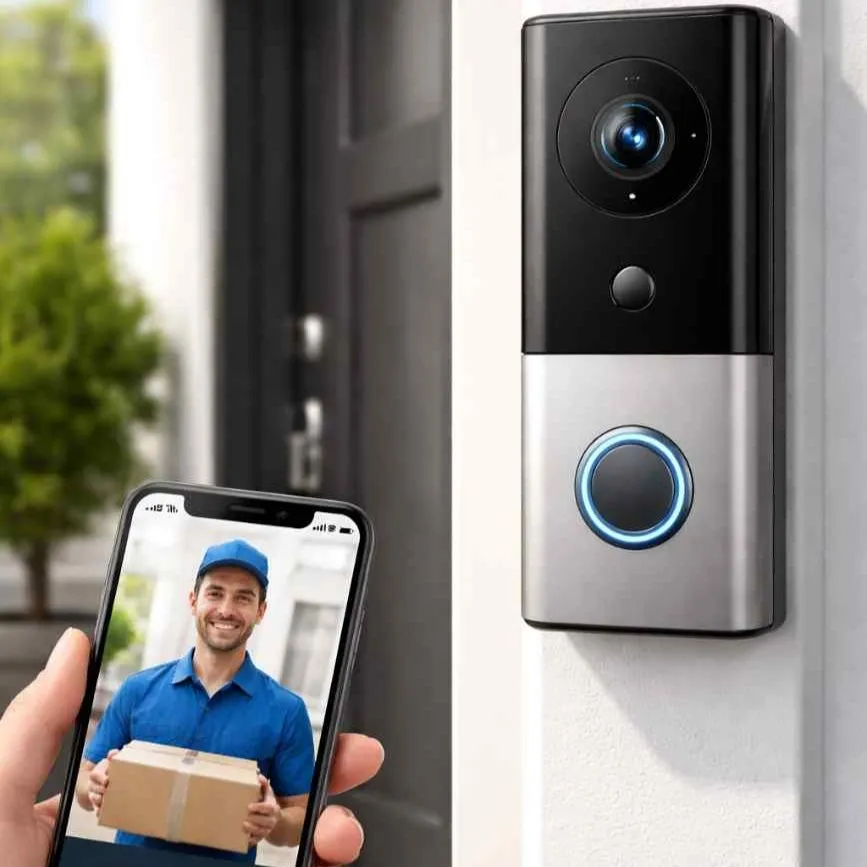
Verification and deterrence, especially at the main entrance.
Smart locks and integration
Convenience and control, valuable once the essentials are handled.
The Promotions That Make Upgrading Easy
Current offers can cover the costliest part of an upgrade. Qualifying homeowners can access 100% free professional installation, four months of free monitoring, and $0 activation fees, which together remove most of the upfront cost of moving to a monitored, modern setup.
Because installation and activation are often the barriers people stall on, a free-install promotion is usually what turns a long-postponed upgrade into an easy yes.
When a Full Replacement Beats Piecemeal Upgrades
Sometimes stacking upgrades onto an old core is throwing good money after bad. A full replacement is the better value when the panel itself is obsolete and will not support monitoring or an app, when three or more components are failing, or when the current system cannot integrate the pieces you want to add. In those cases the free-installation offer often makes a clean new system cost less than a series of patches. We help you run that comparison honestly.
Not sure what to fix first?
Call (855) 786-9984 and we will prioritize it with you. Available 24/7.
Call (855) 786-9984Frequently Asked Questions
Fix the Right Thing First
Call (855) 786-9984 and speak with a Brocus advisor. We diagnose your weak point, put your upgrades in priority order, confirm the promotions you qualify for, and connect you with the right provider partner. Straight advice, no pressure.
Available 24/7